
About
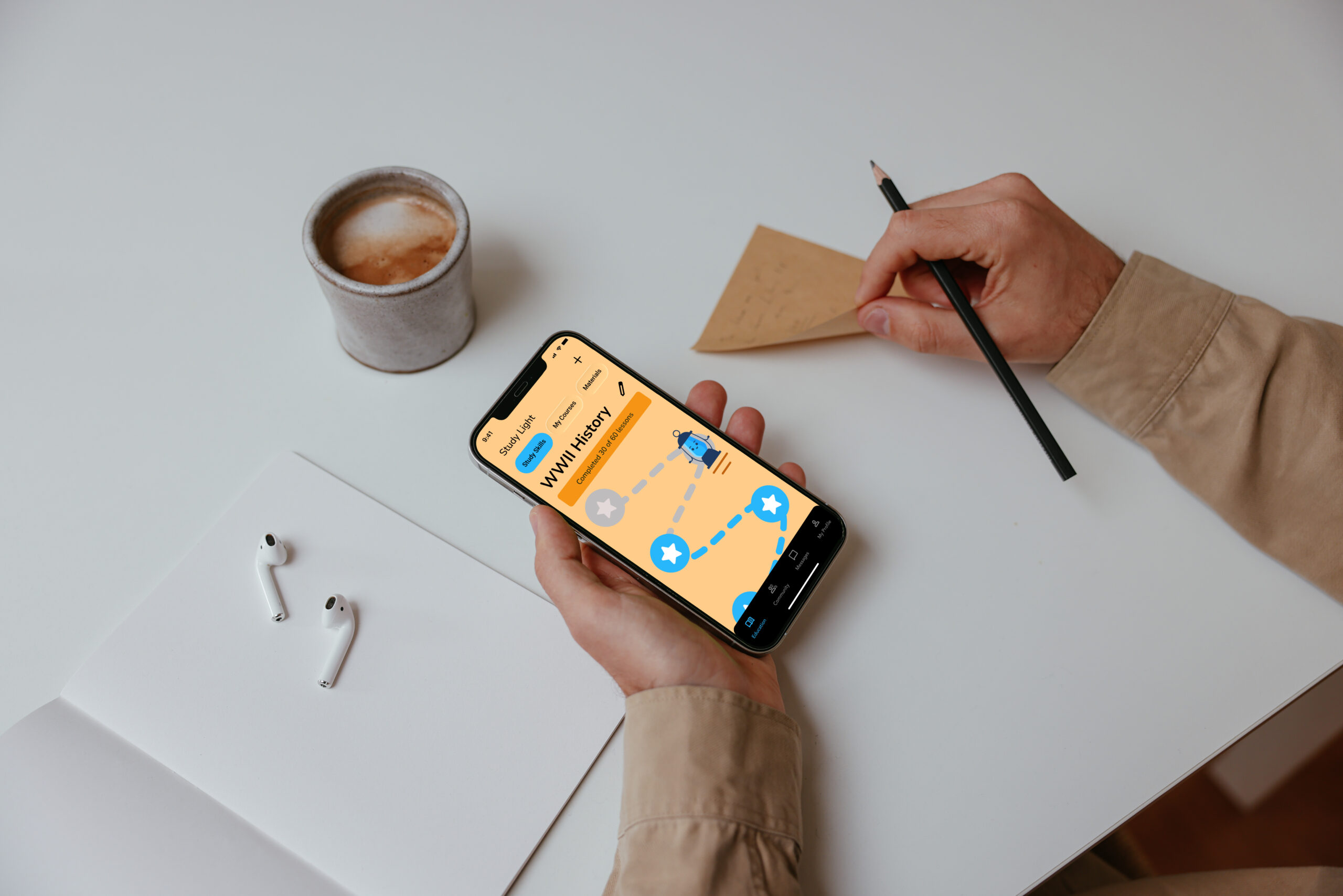
Study Light was designed to make studying less isolating and more engaging. The app helps students save time looking for helpfule resources by providing a digital space where students can connect with like-minded peers, share materials, and exchange feedback. By blending collaboration tools with gamified progress tracking, it transforms study sessions into a more social and rewarding experience.
This project focused on building a UI that feels approachable and motivating while remaining functional and distraction-free. The design prioritises clarity, inclusivity, and ease of use across devices, helping students fit studying seamlessly into their daily lives—whether at home, at university, or on the move.
Scale
Role
Company
16 Weeks
Product Designer
Part of my project for Career Foundry Product Design Course
Problem Statement
Students and young adults often struggle to balance their studies with work and social commitments. Many seek efficient ways to strengthen their study skills, access reliable resources quickly, and connect with peers on similar courses. Existing tools can feel fragmented or time-consuming, leaving students without a simple, on-the-go solution that supports focused, collaborative, and time-efficient learning.
How Might We
How might we design a mobile app that makes studying more effective and enjoyable by enabling students to share resources, exchange feedback, and learn alongside peers with similar goals?
Design Process
Discover

User research
Define

User personas & flows, sitemaps, & moodboards
Ideate
Wire-framing & protoyping
Design

Designing multiple breakpoints, style guides, & final prototype
Discover
User Personas & flows
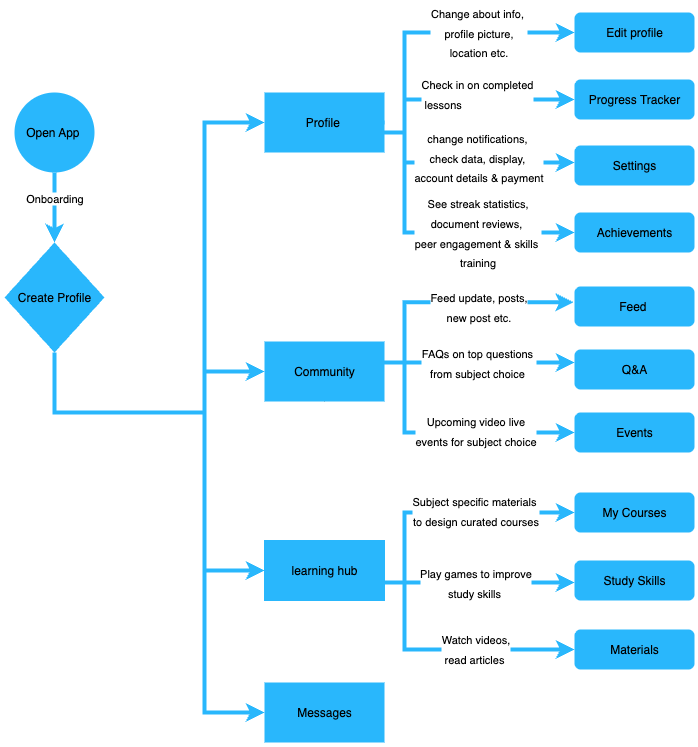
Personas were shaped by research findings to capture key user needs, behaviours, and pain points. These guided the app’s structure and essential features.
I chose this flow because it reflects the core journey from setup to engagement, balancing personalisation (Profile), social interaction (Community), skill building (Learning Hub), and communication (Messages).
Define
Moodboard
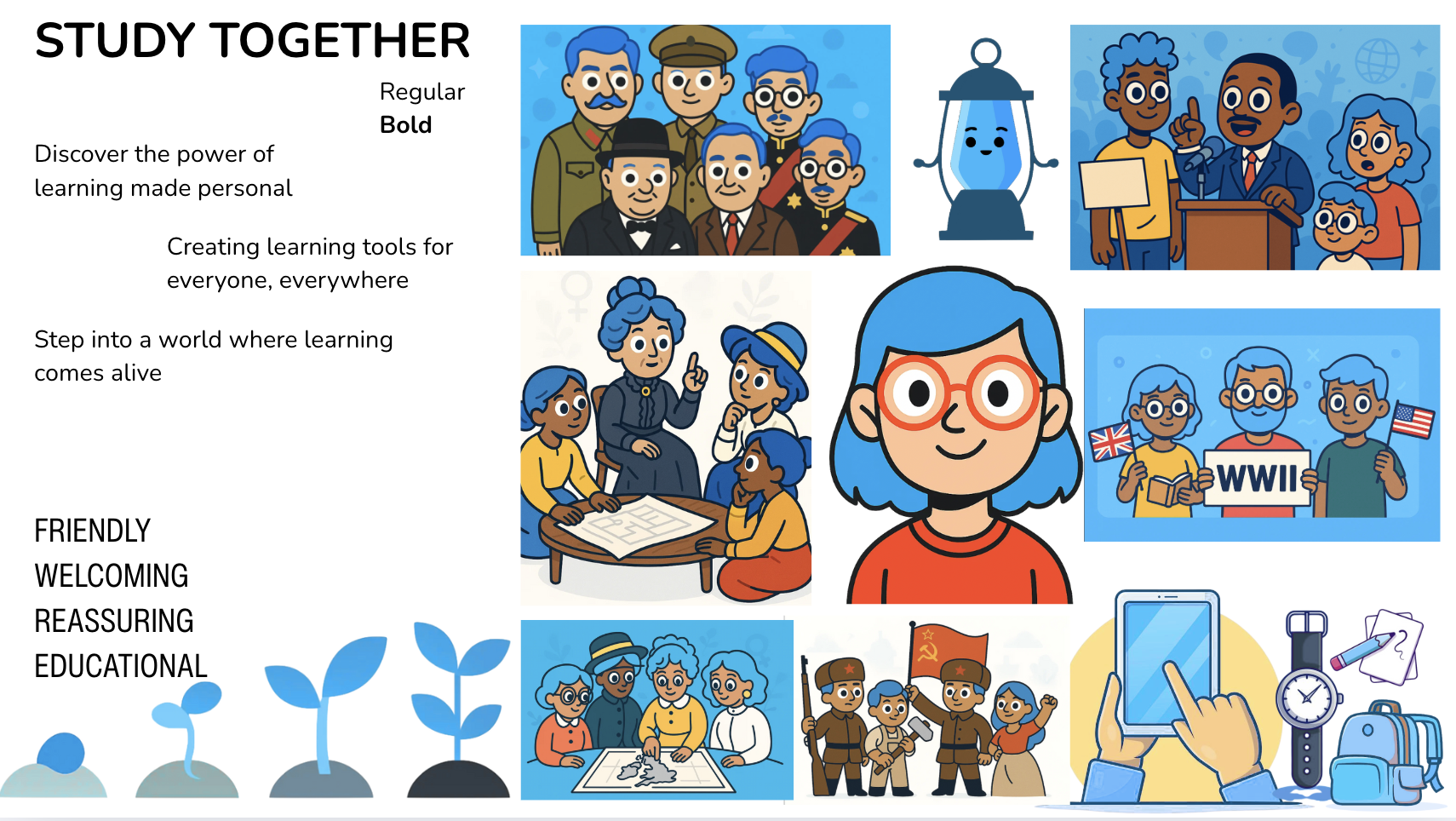
The moodboard captures the friendly, collaborative, and motivating atmosphere that defines the Study Light app.
In shaping the moodboard, I chose approachable illustrations, bold outlines, and a blue palette to convey trust, growth, and reassurance—qualities central to the app’s purpose. These visual choices directly informed the UI direction, creating an interface that feels welcoming and supportive while retaining a clear educational focus.
Ideate
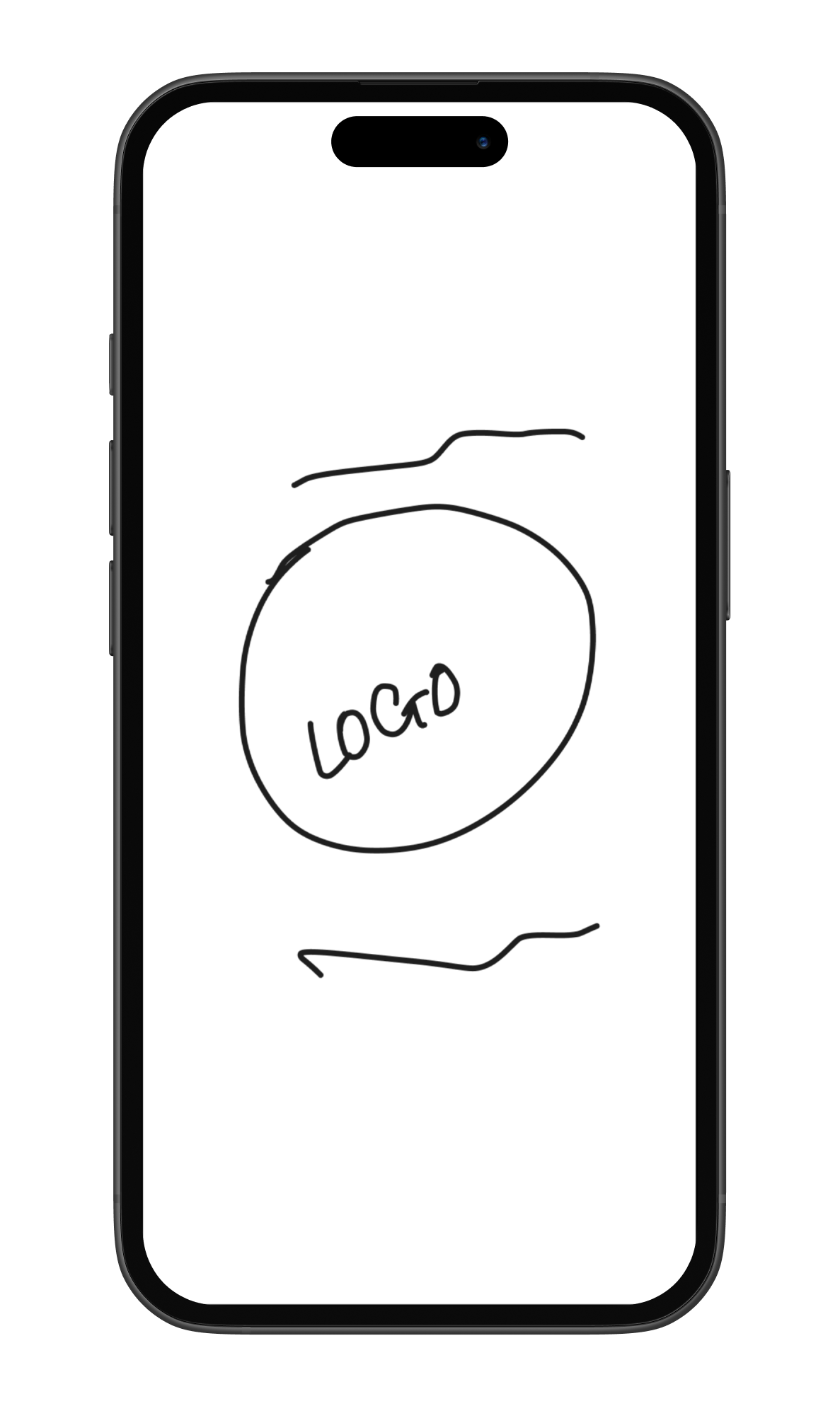
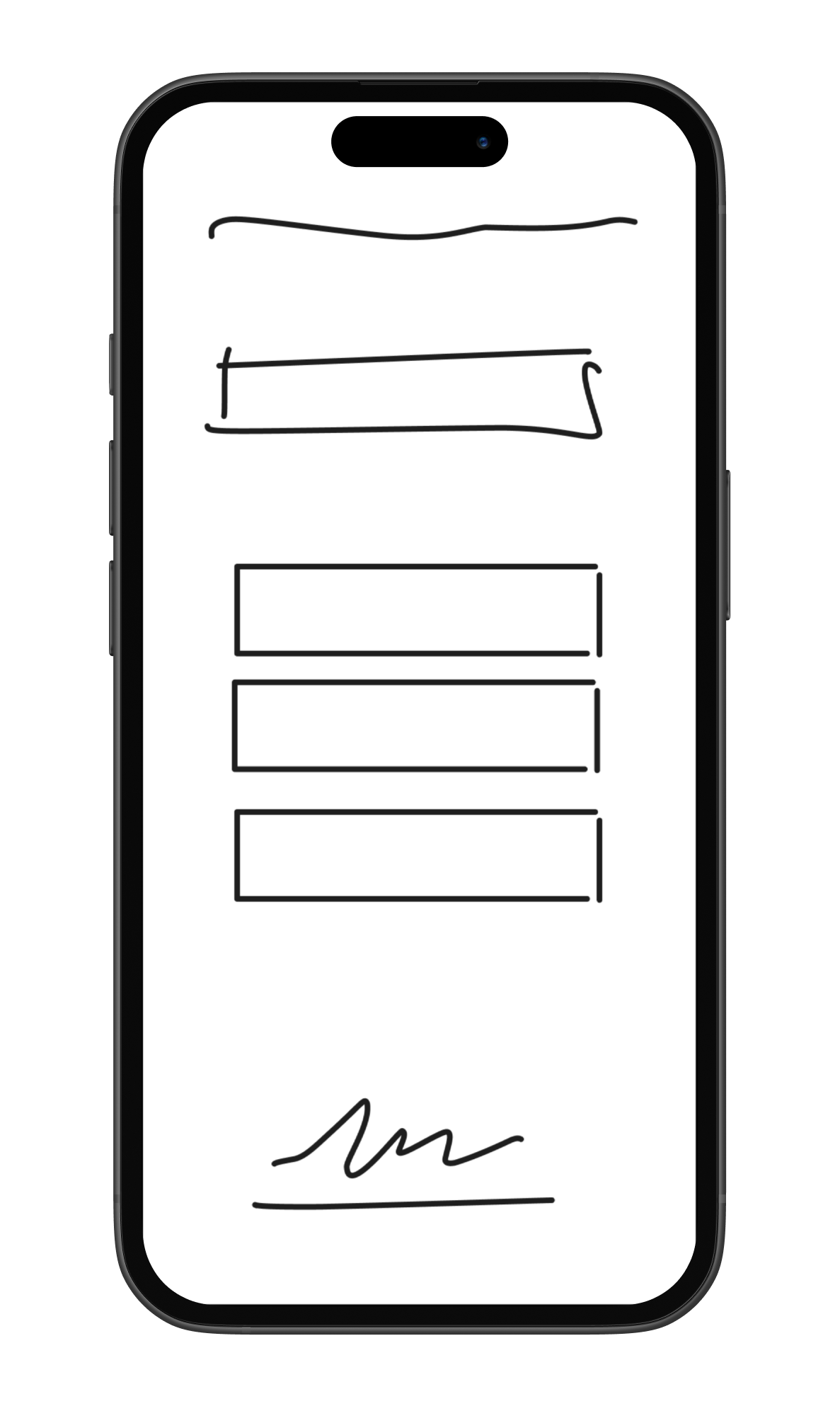
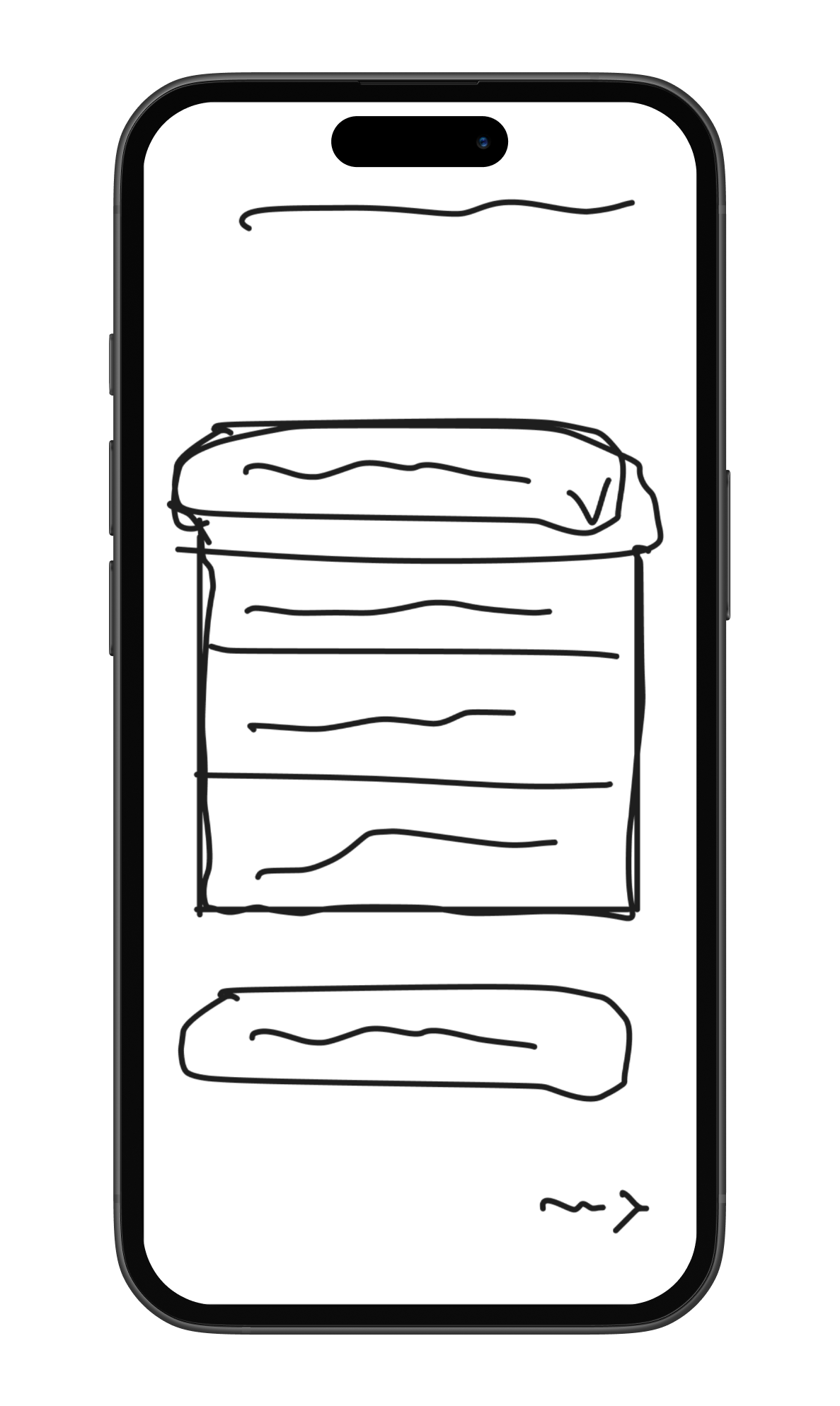
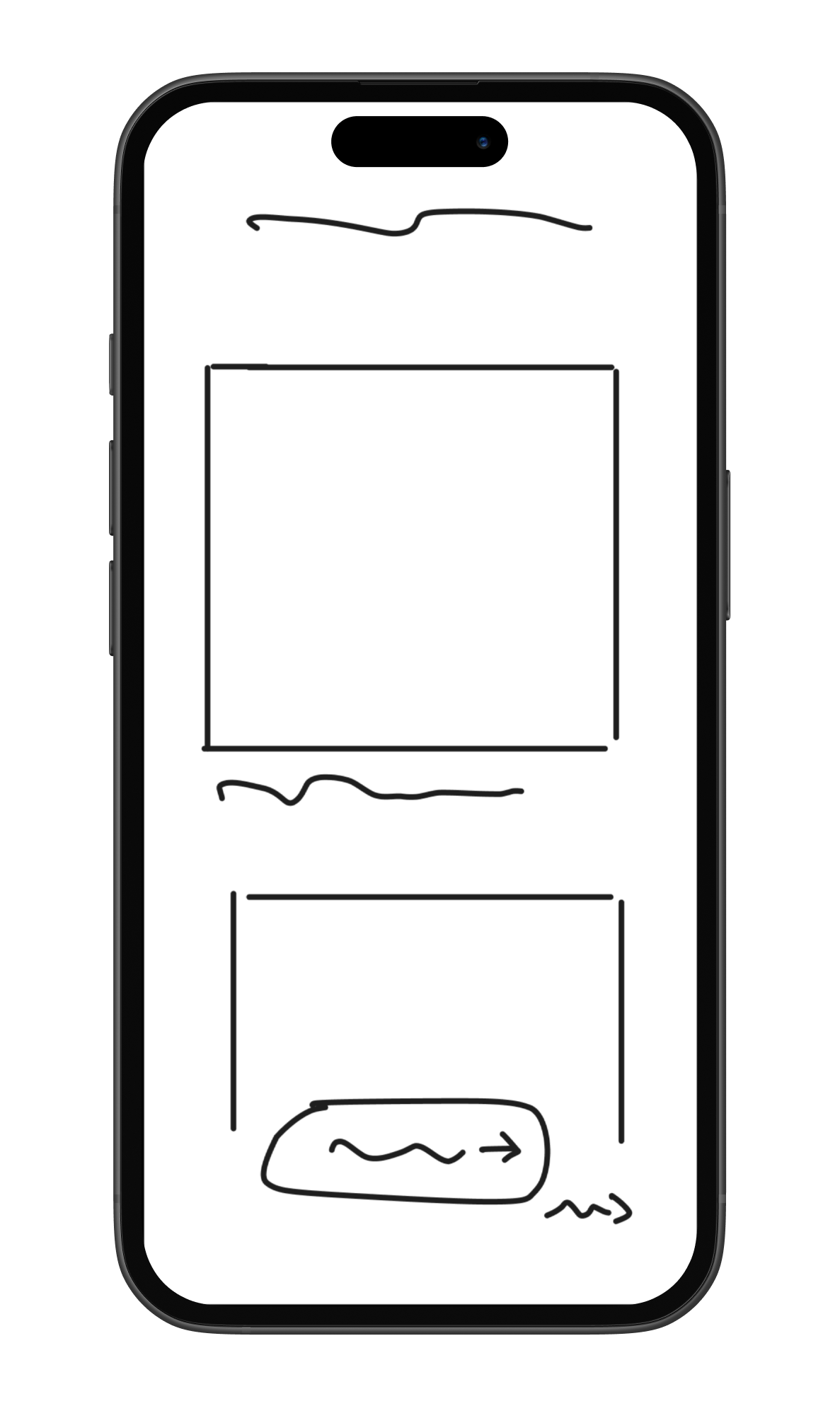
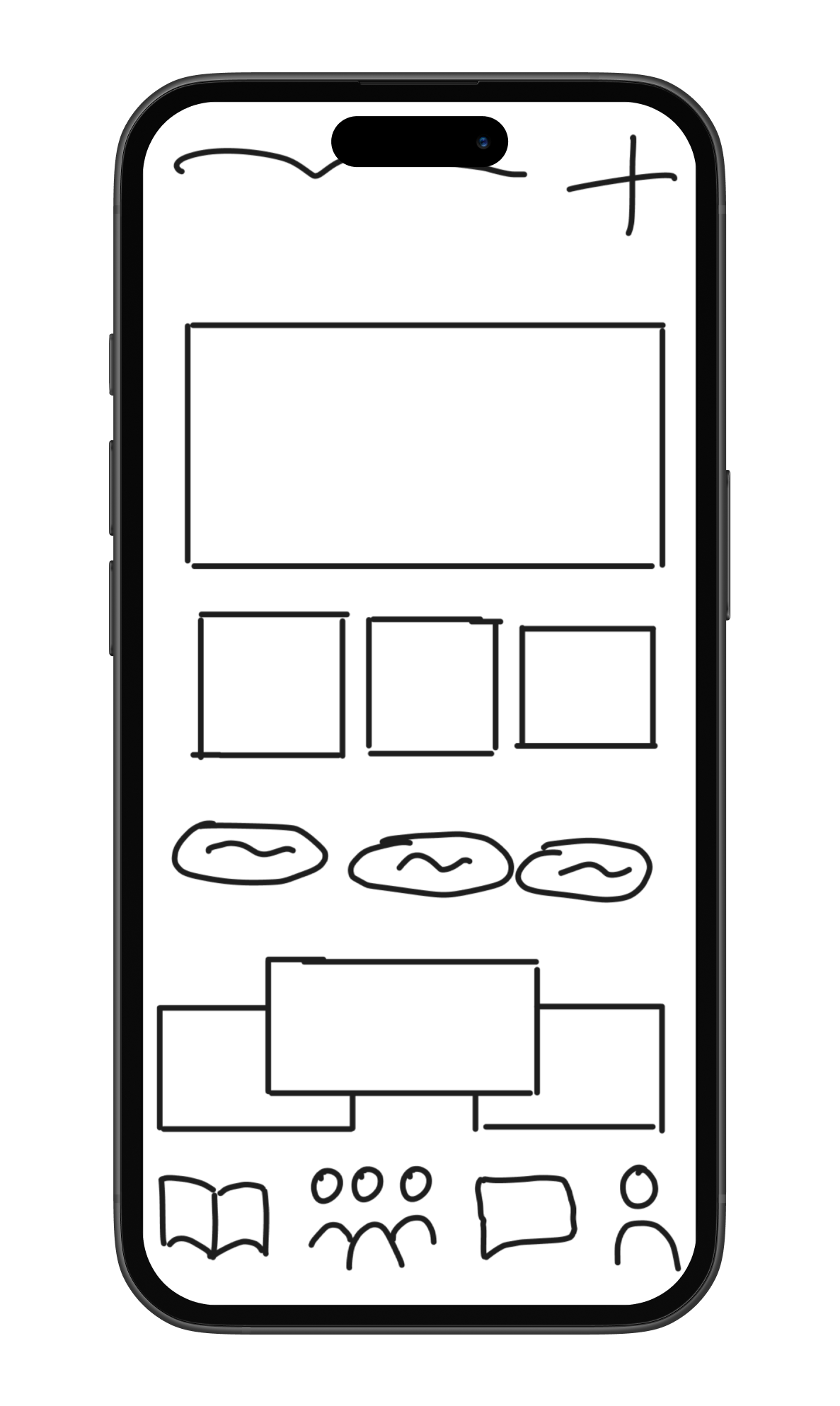
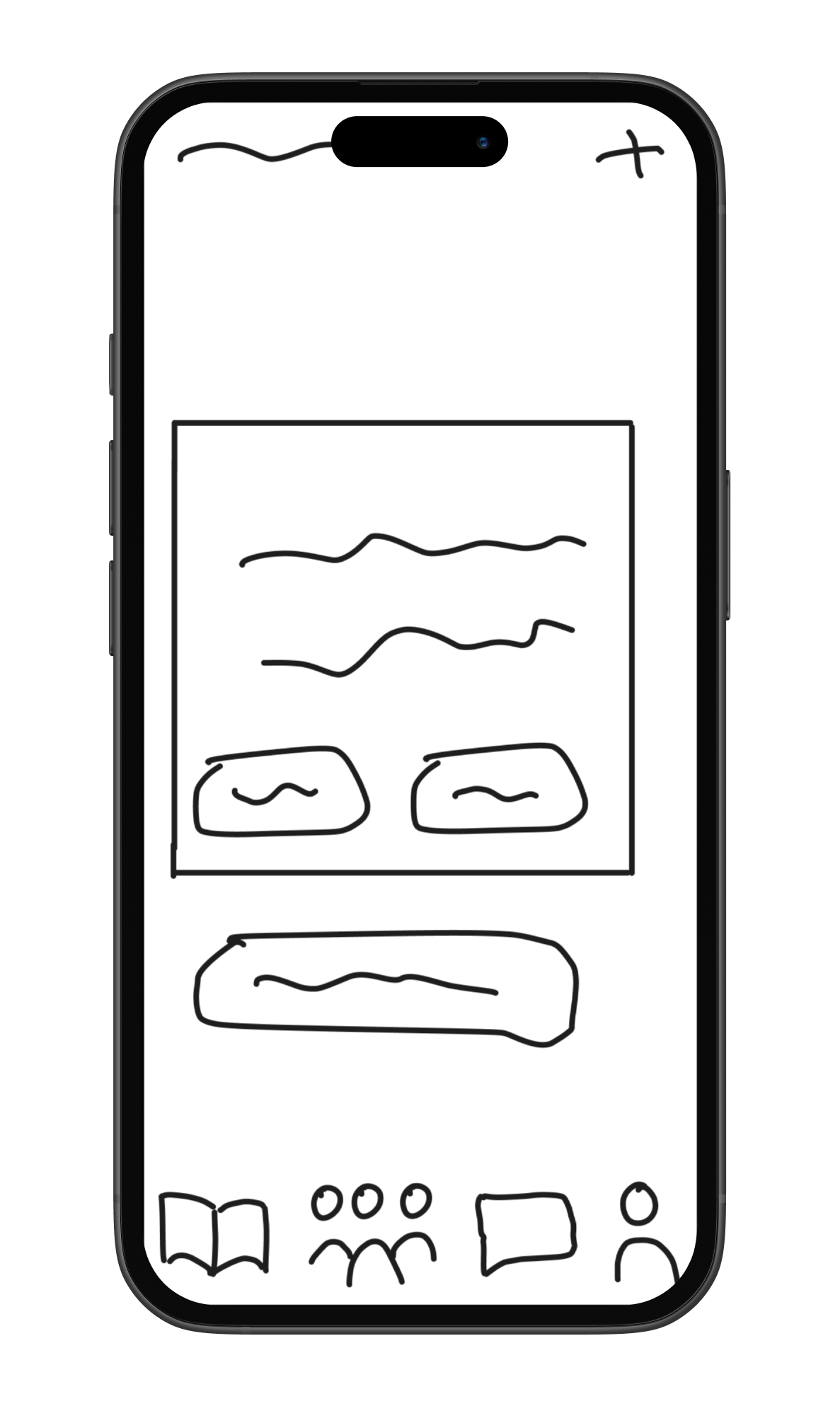
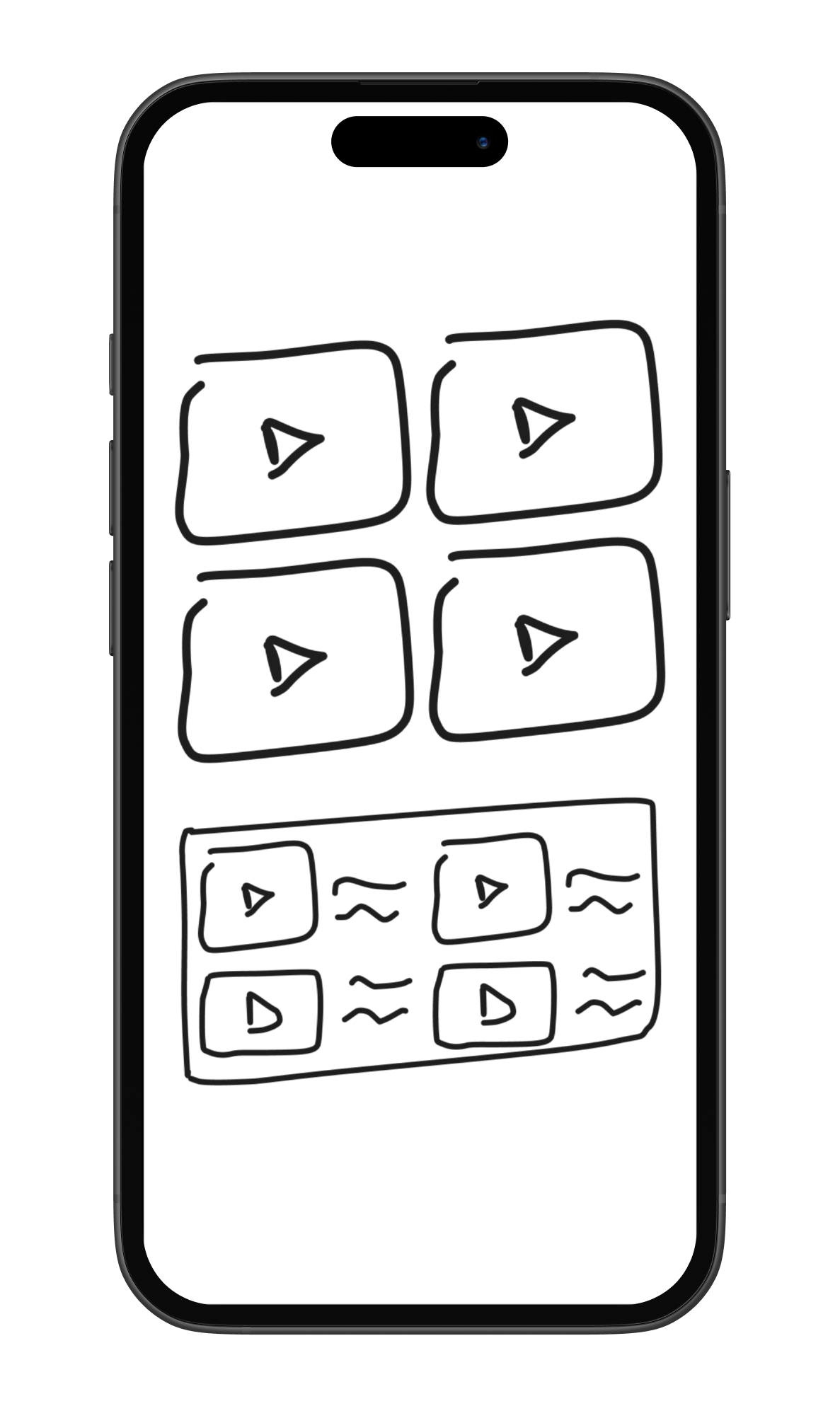
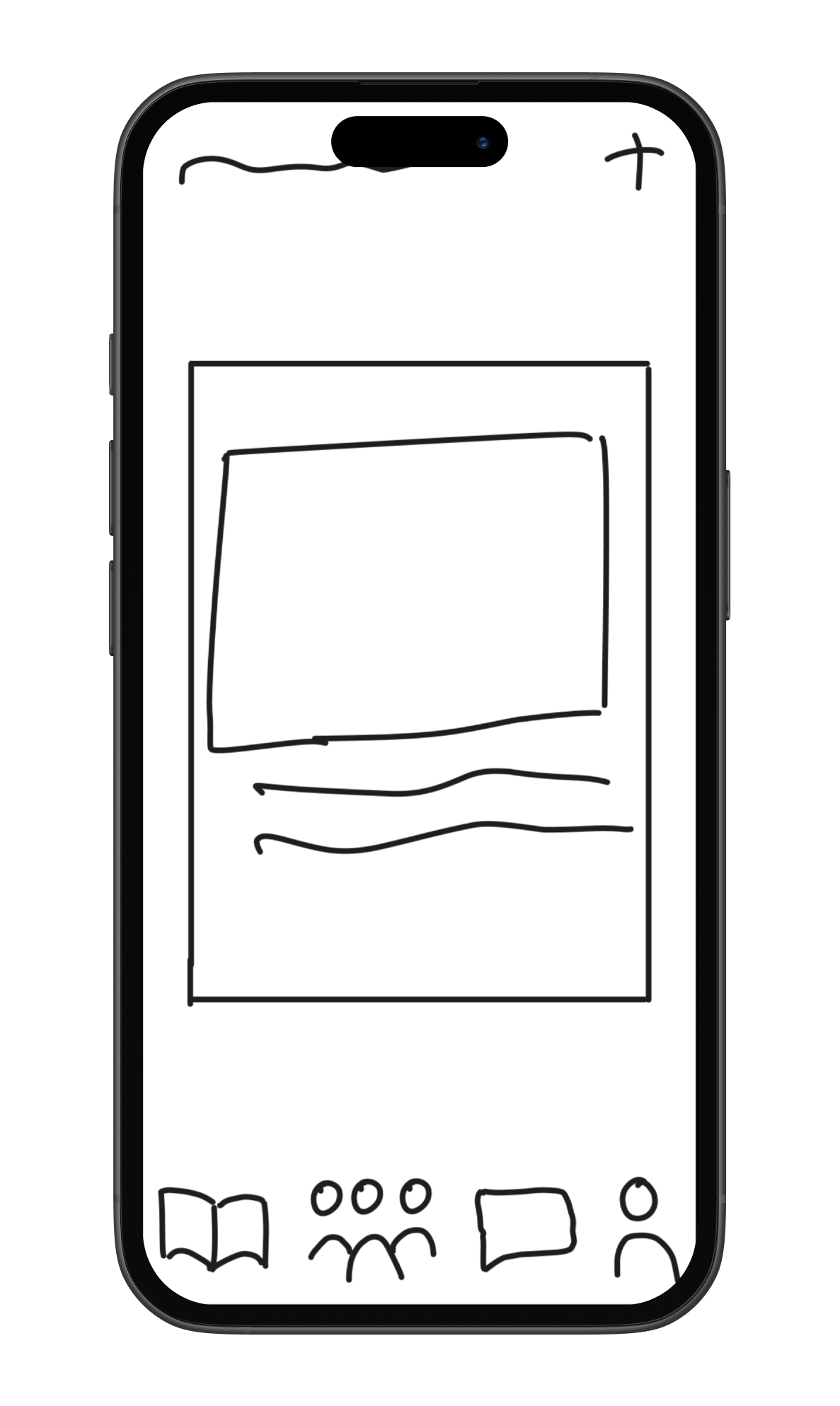
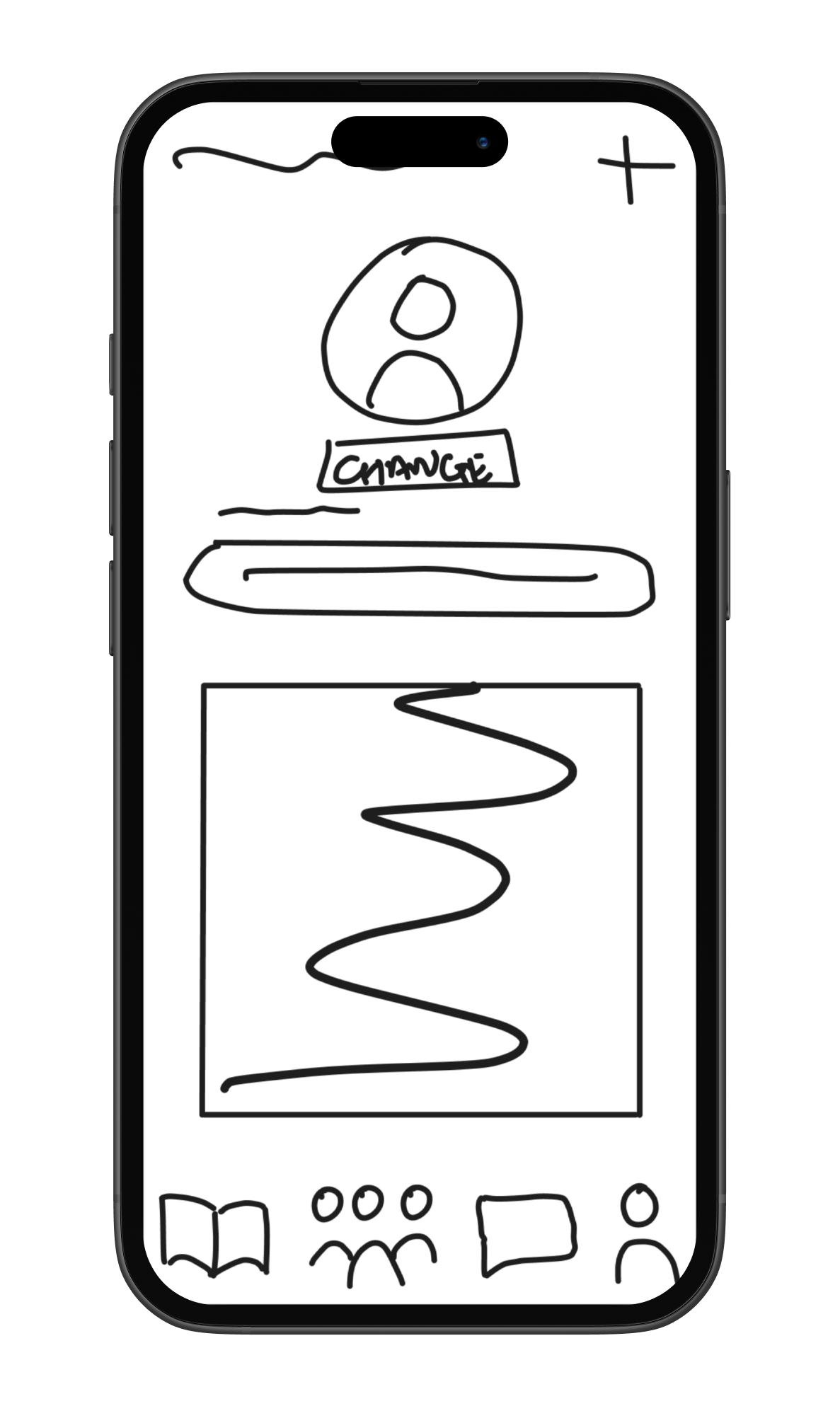
Low-fidelity wireframes
By keeping the designs simple and minimal, I was able to quickly test assumptions, refine the structure, and validate whether the app’s features aligned with user needs. These wireframes acted as a foundation for iteration, ensuring that the final designs would be both intuitive and responsive across devices
Design
Style Guide
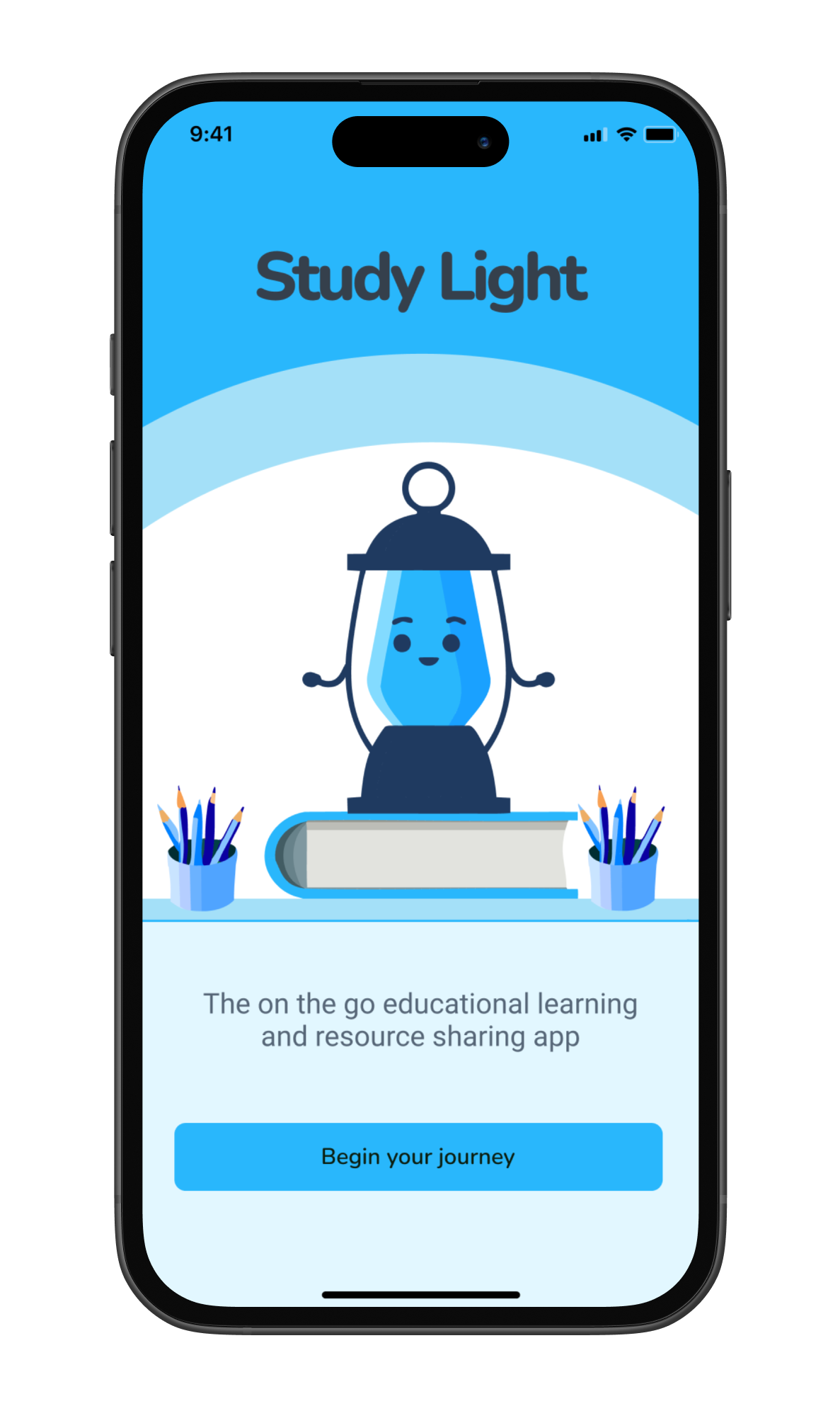
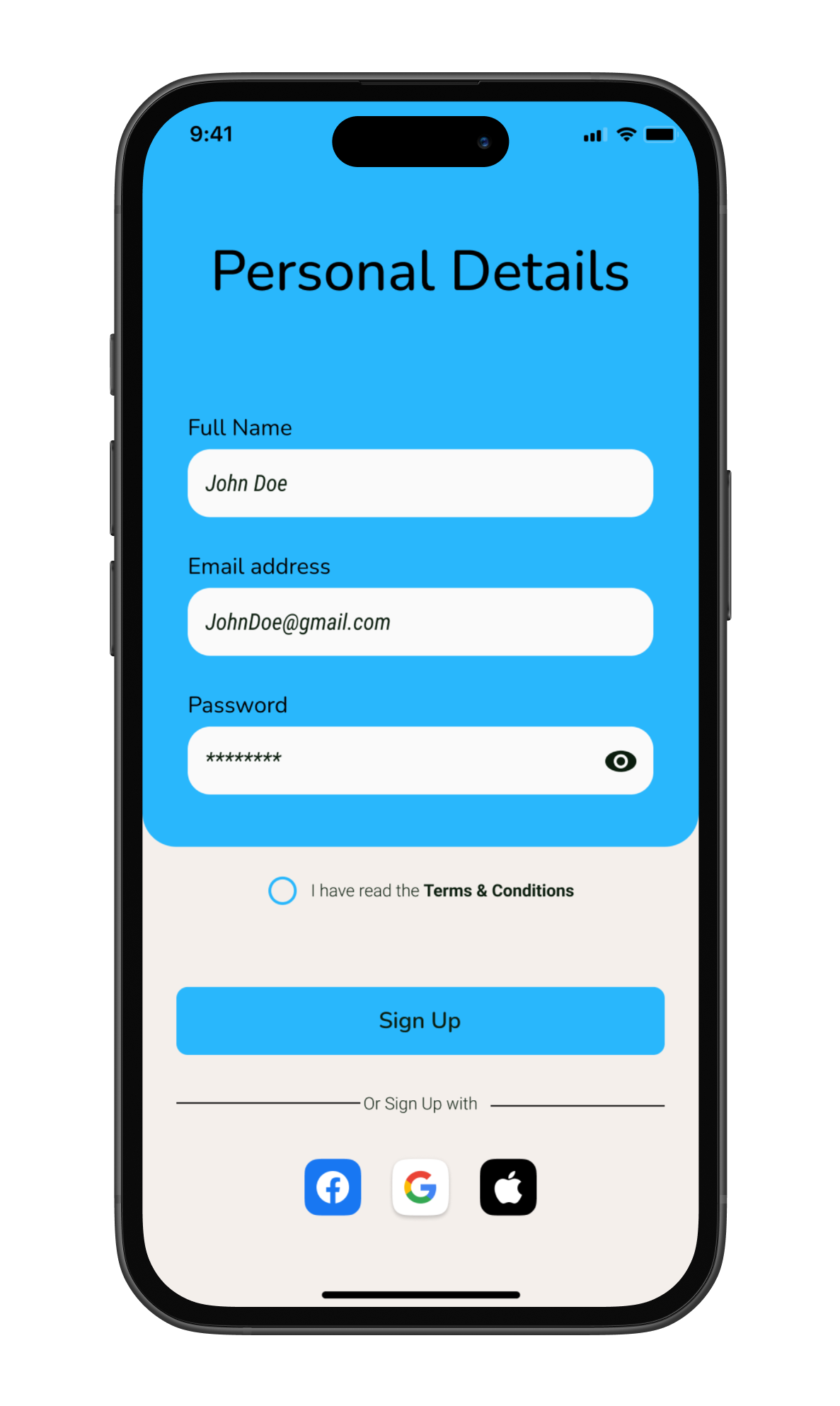
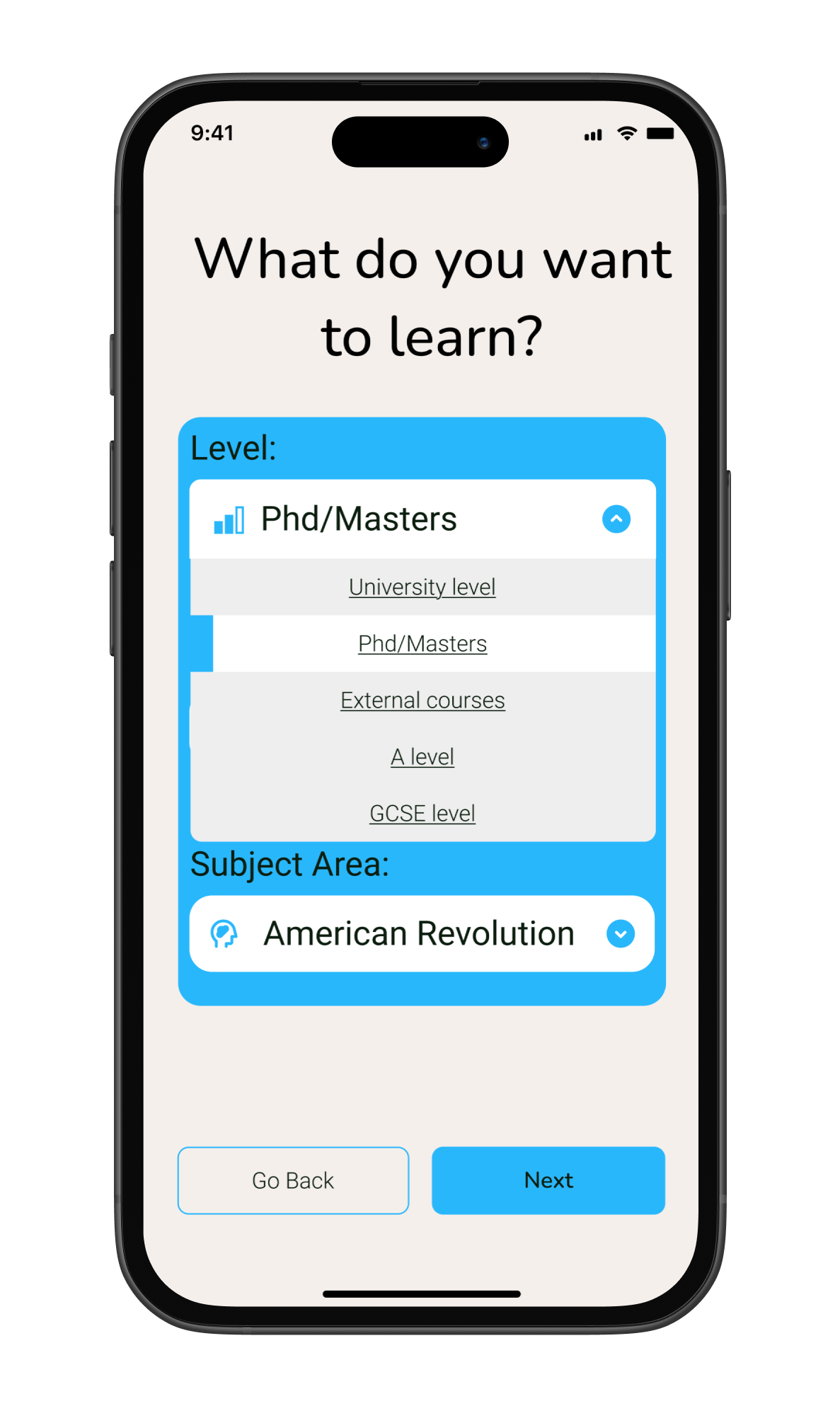
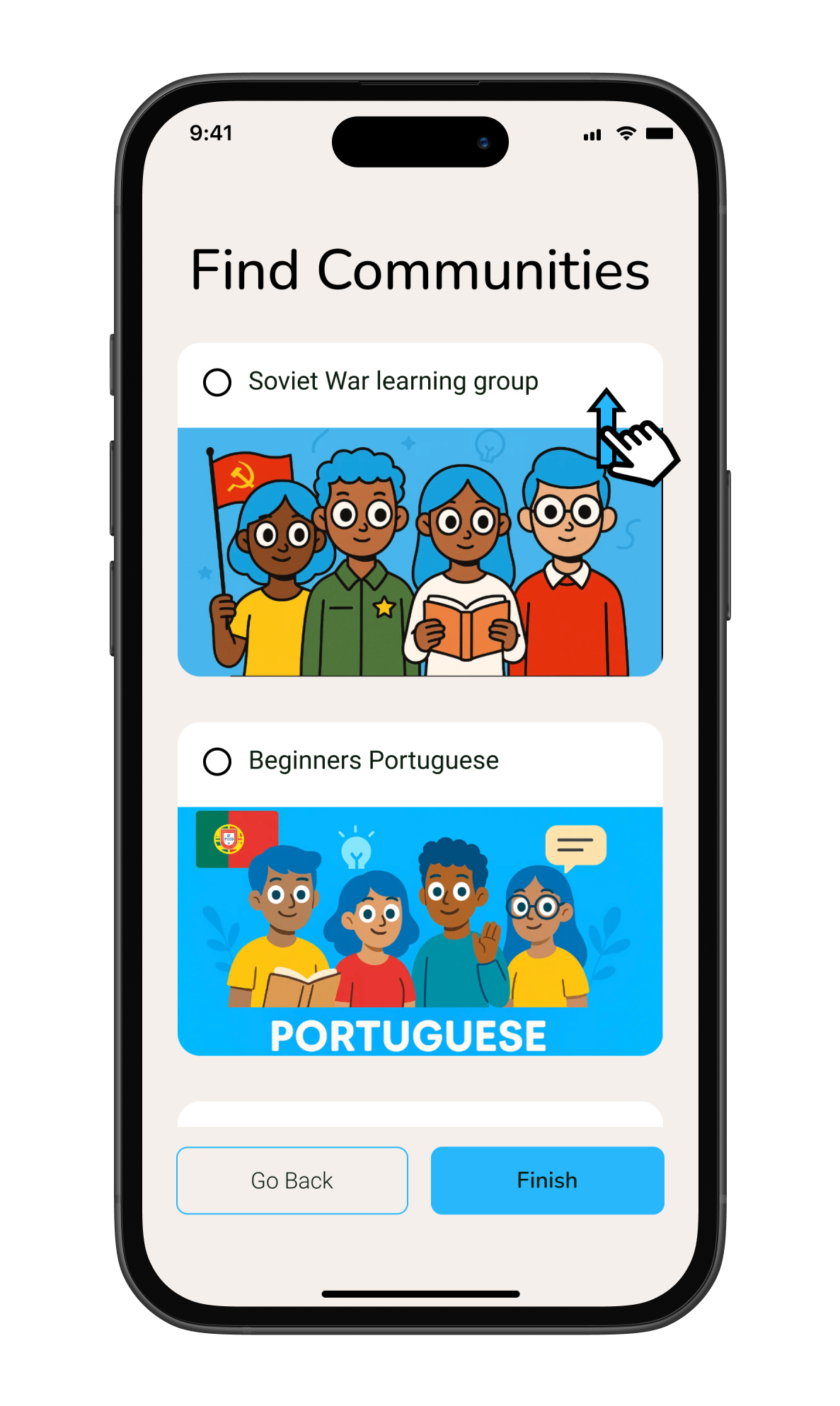
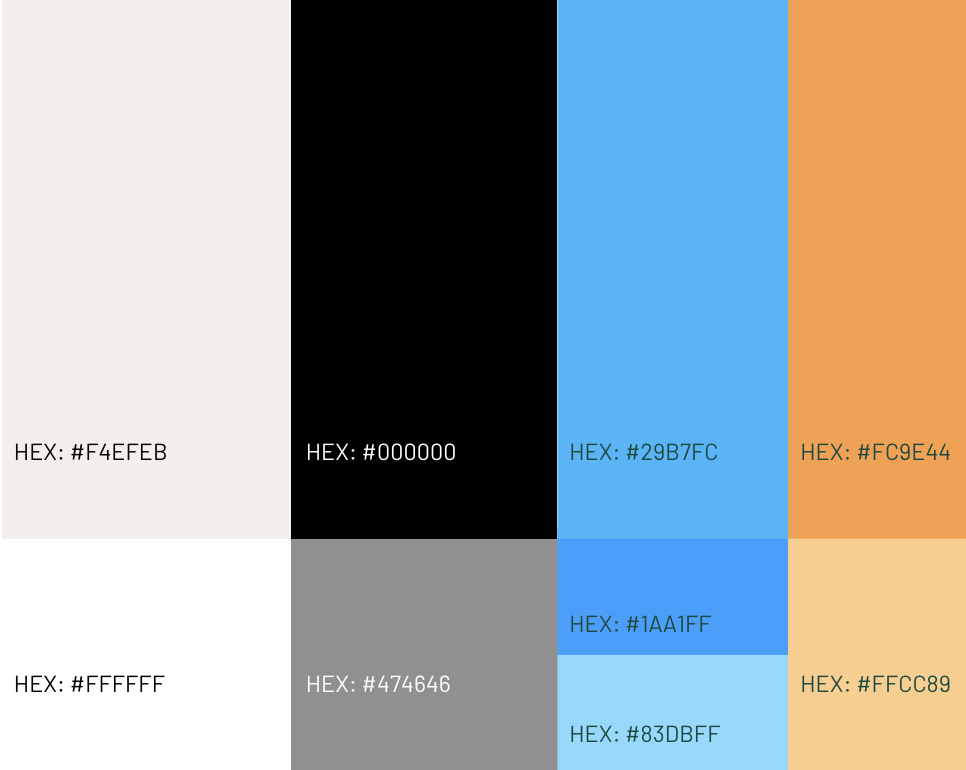
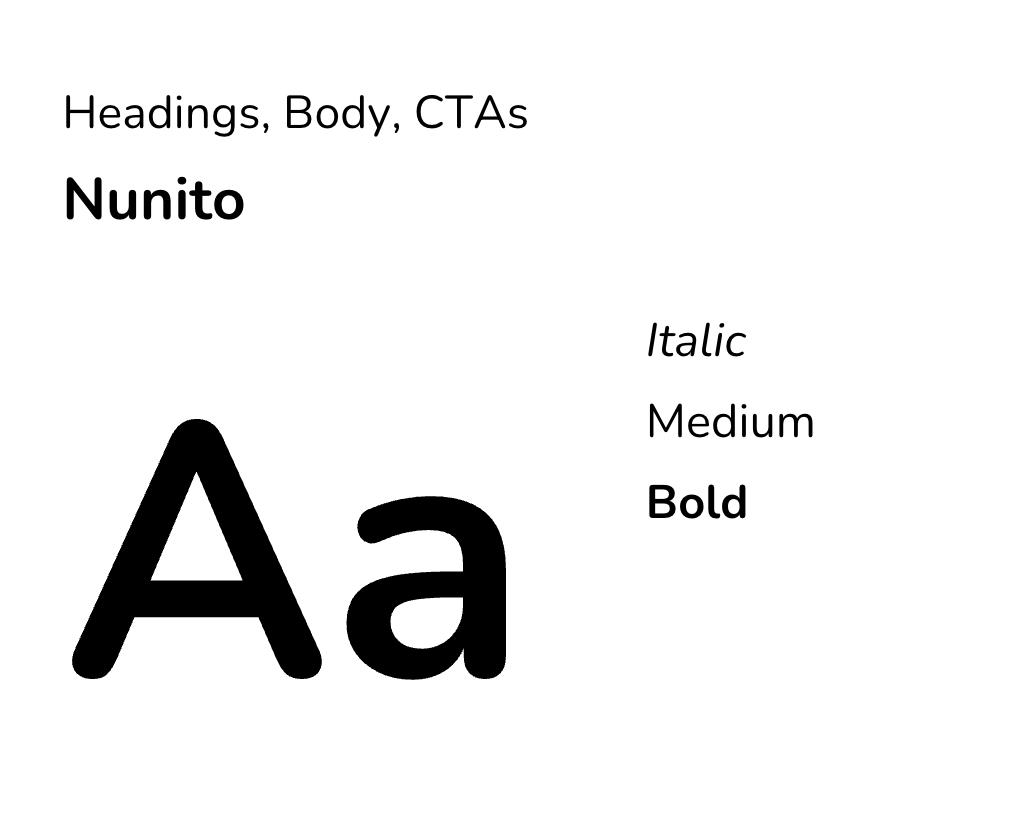
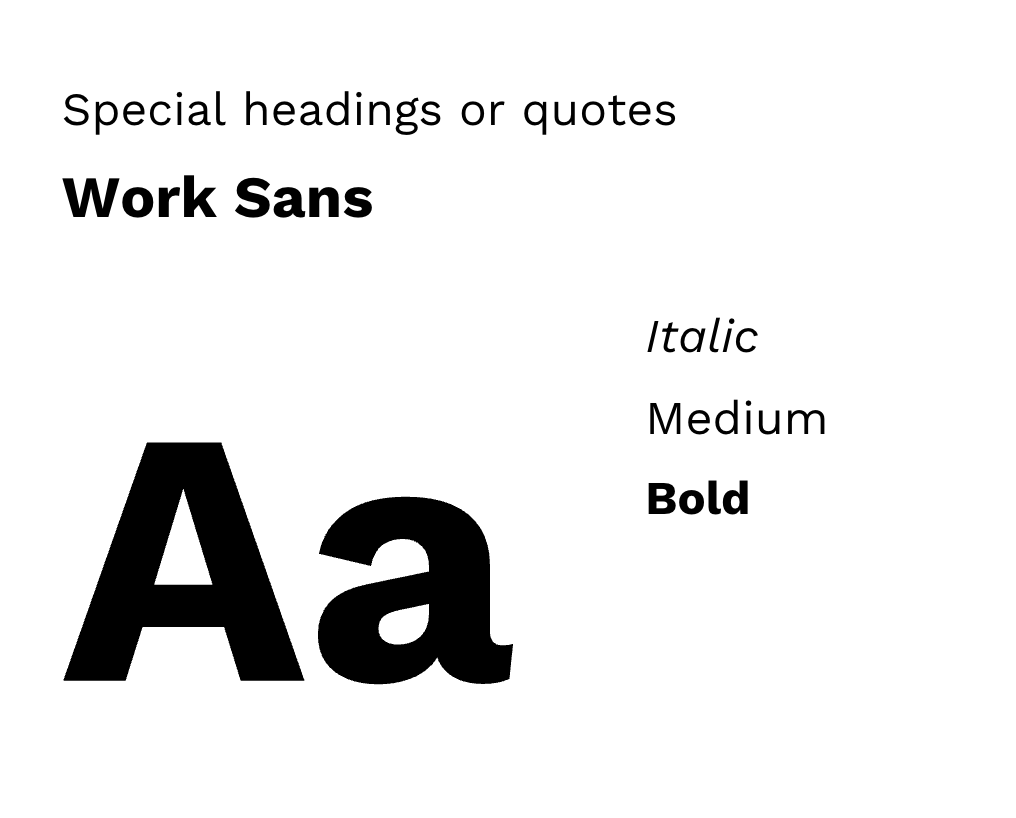
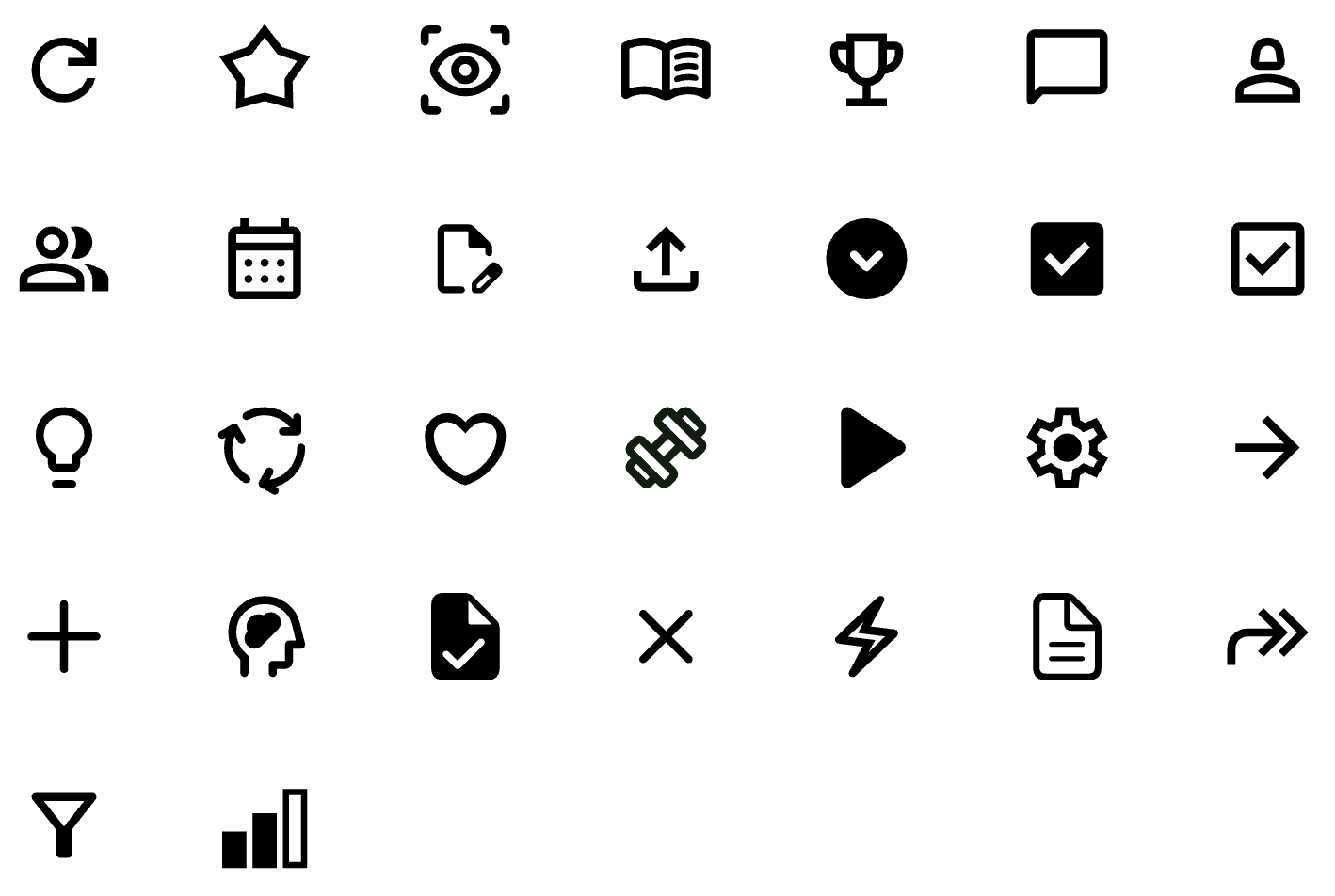
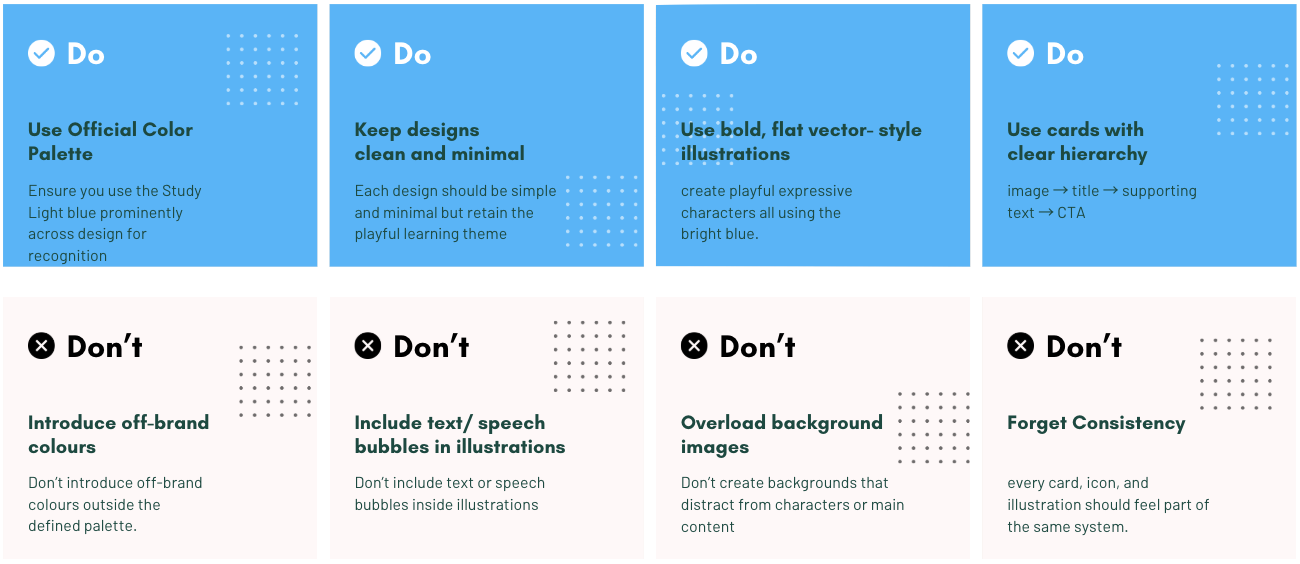
The style guide defines the brand identity across logo, colour palette, typography, and iconography. It ensures consistency and clarity across all platforms, with clear guidance on visual dos and don’ts.
Logo



Onboarding flow
Colours
Typography
Iconography
Do's & Don'ts
Design
Designing for multiple breakpoints
By keeping the designs simple and minimal, I was able to quickly test assumptions, refine the structure, and validate whether the app’s features aligned with user needs. These wireframes acted as a foundation for iteration, ensuring that the final designs would be both intuitive and responsive across devices
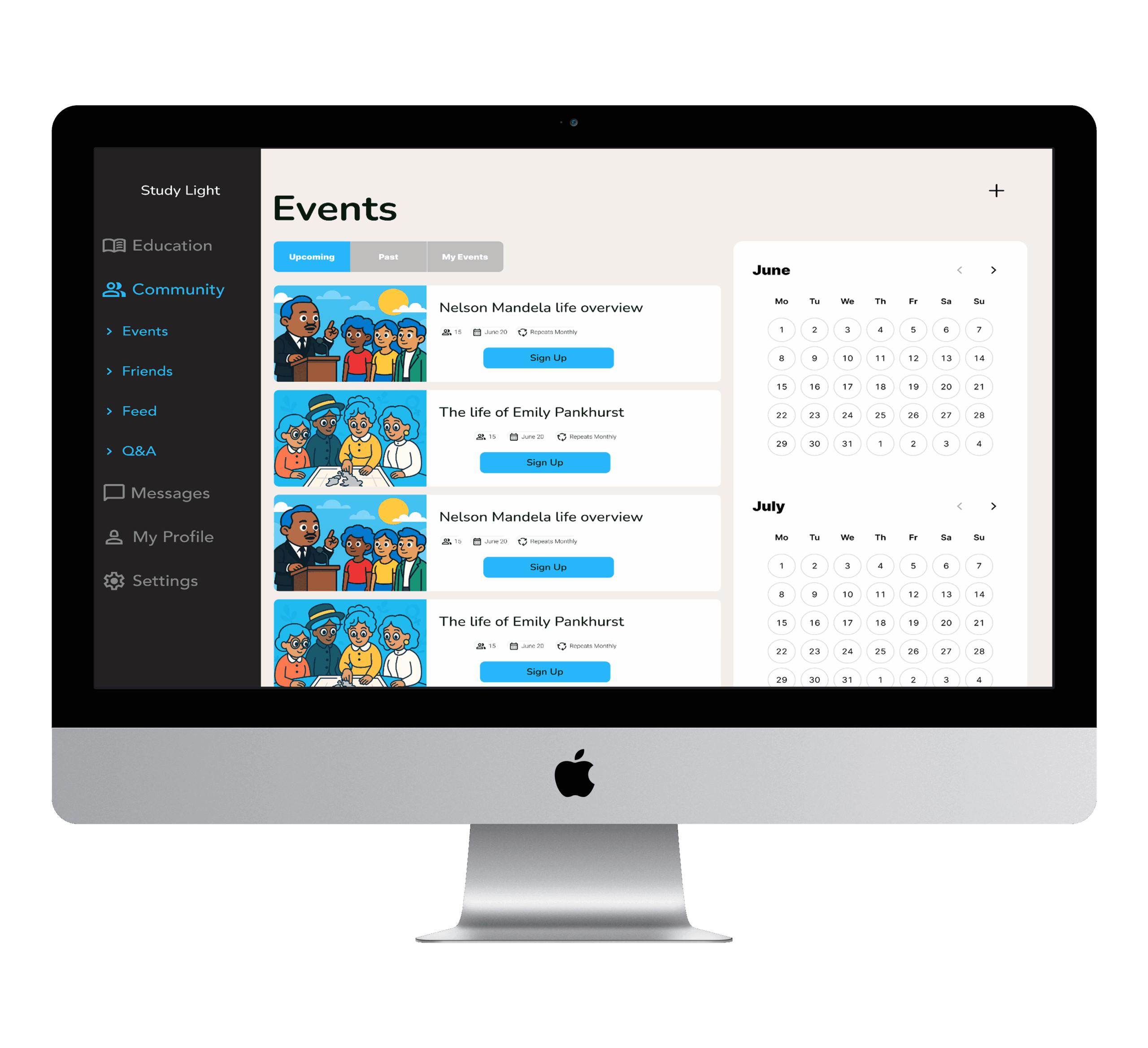
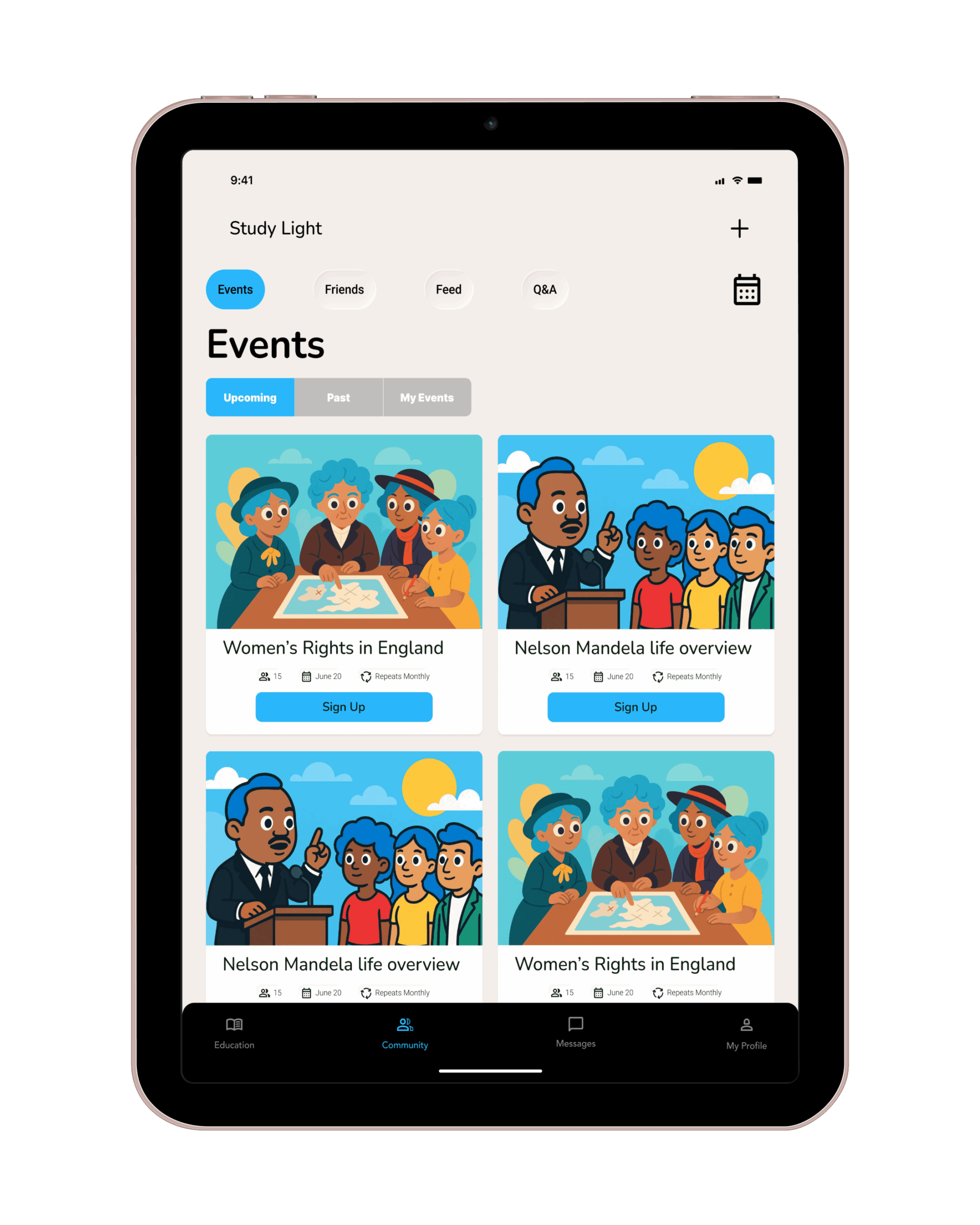
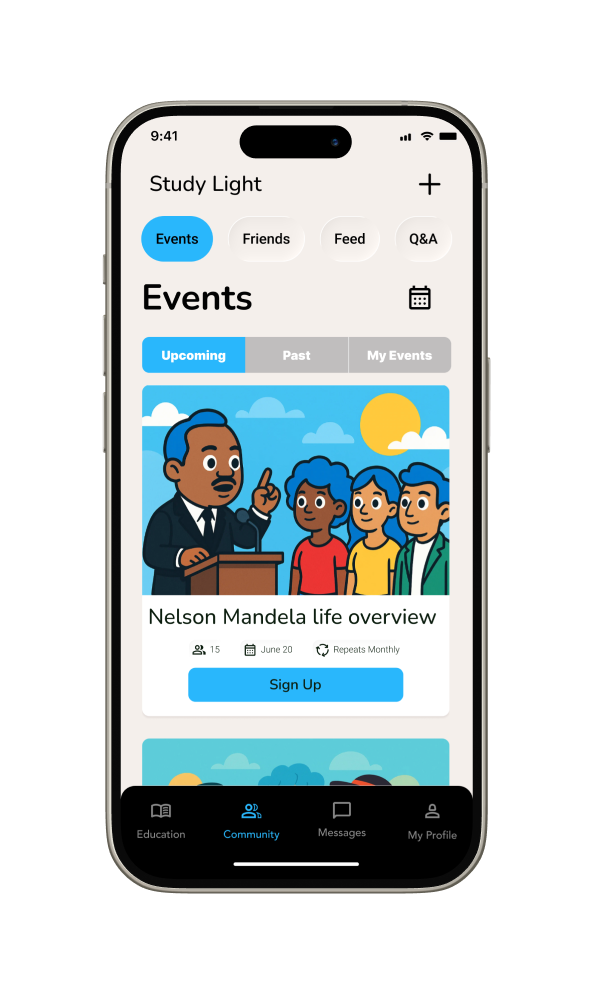
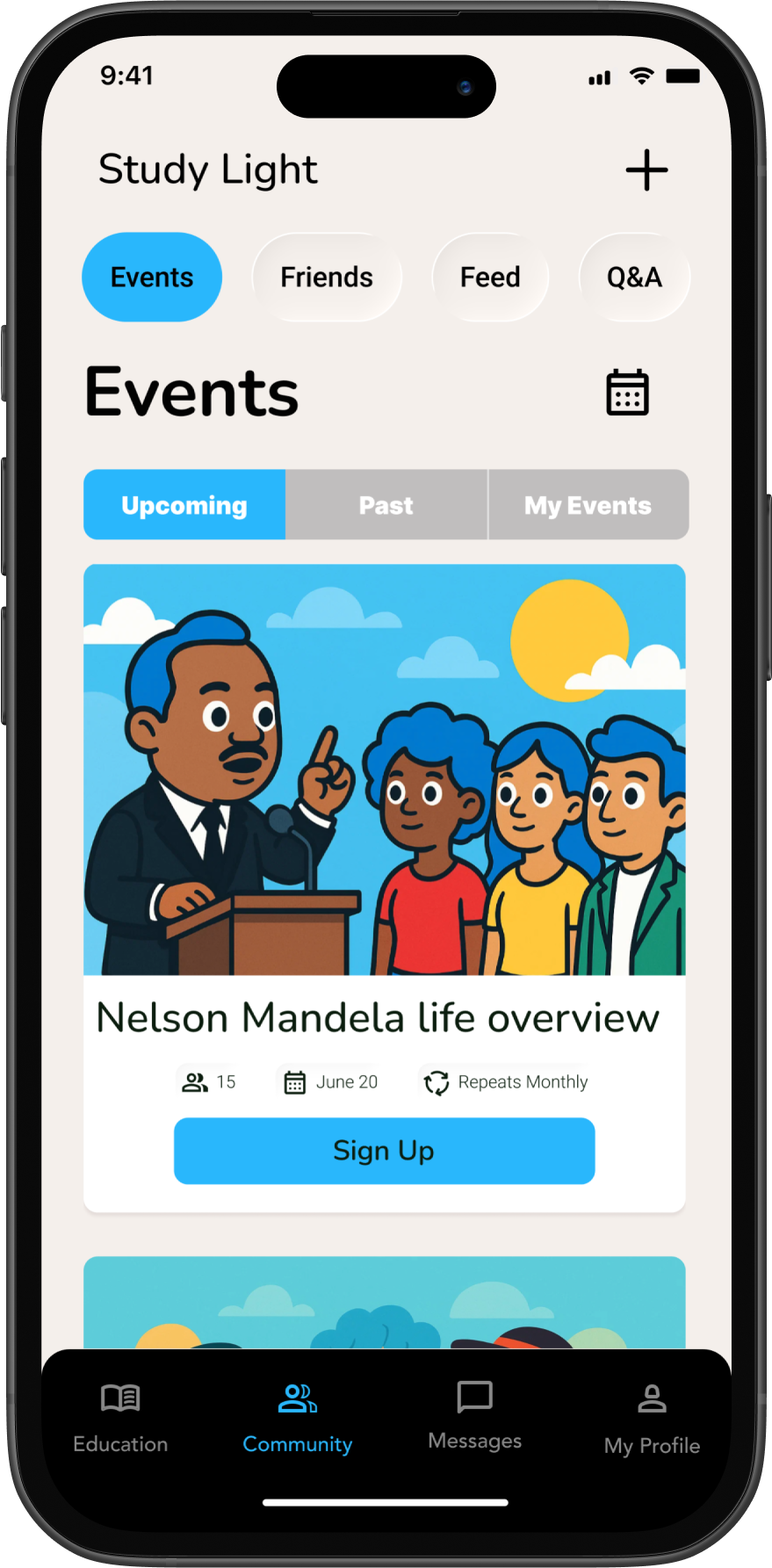
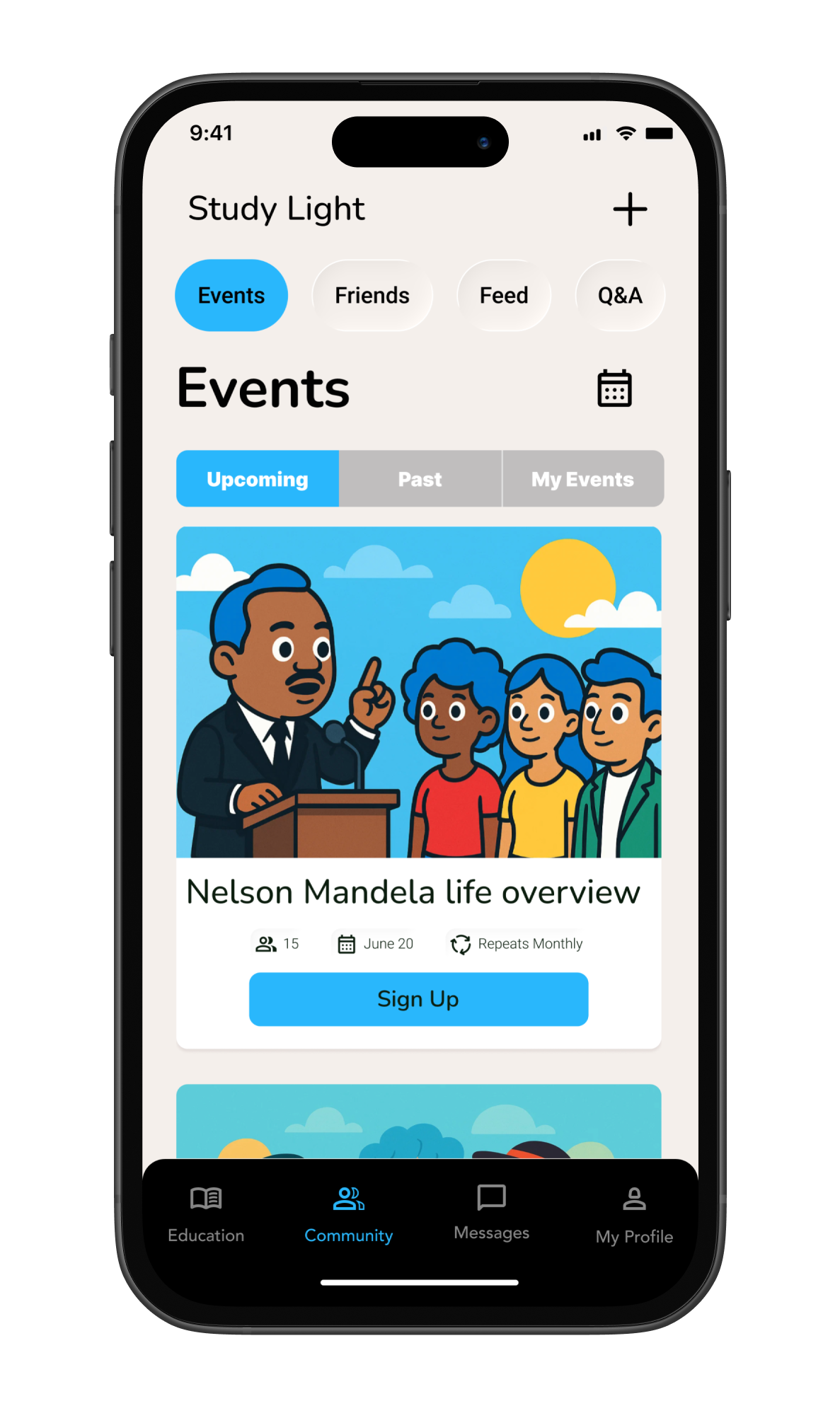
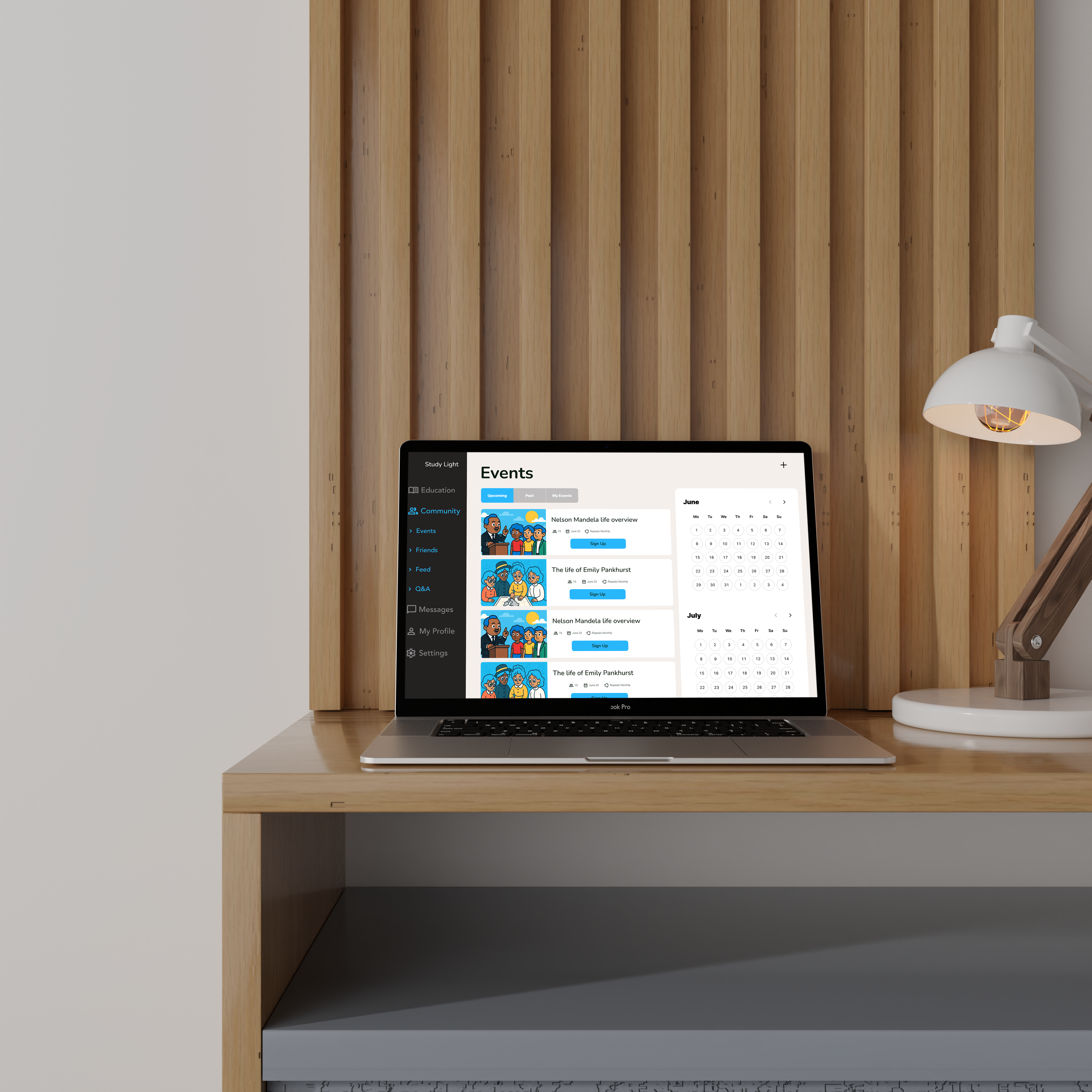
The events page highlights upcoming sessions, making scheduling intuitive. On smaller screens, I simplified the layout so the most relevant event details remain visible and actionable: on larger screens, the compact calendar icon expands into a full-sized calendar view, giving users a more detailed overview without overwhelming smaller displays.
Final Design
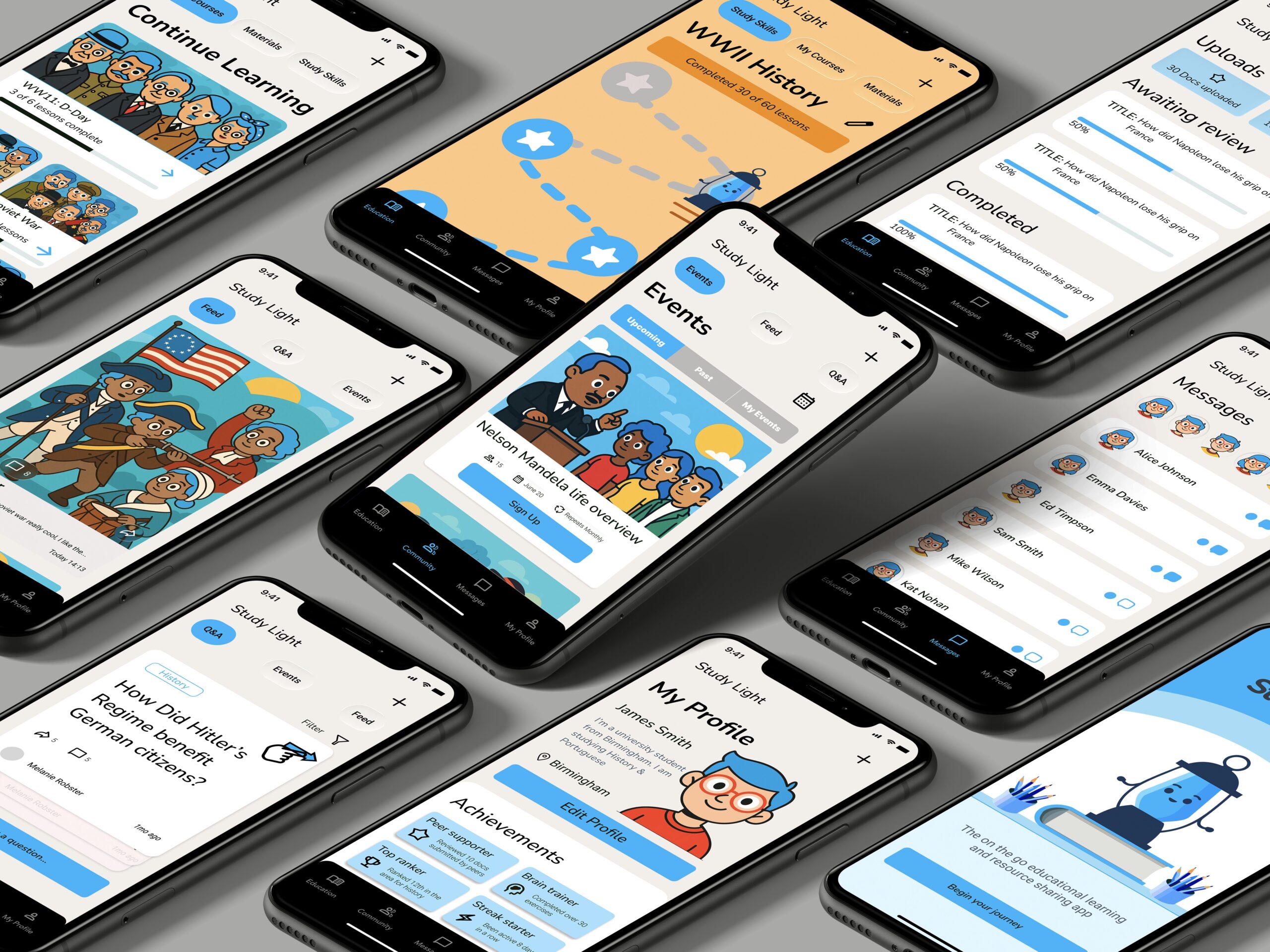
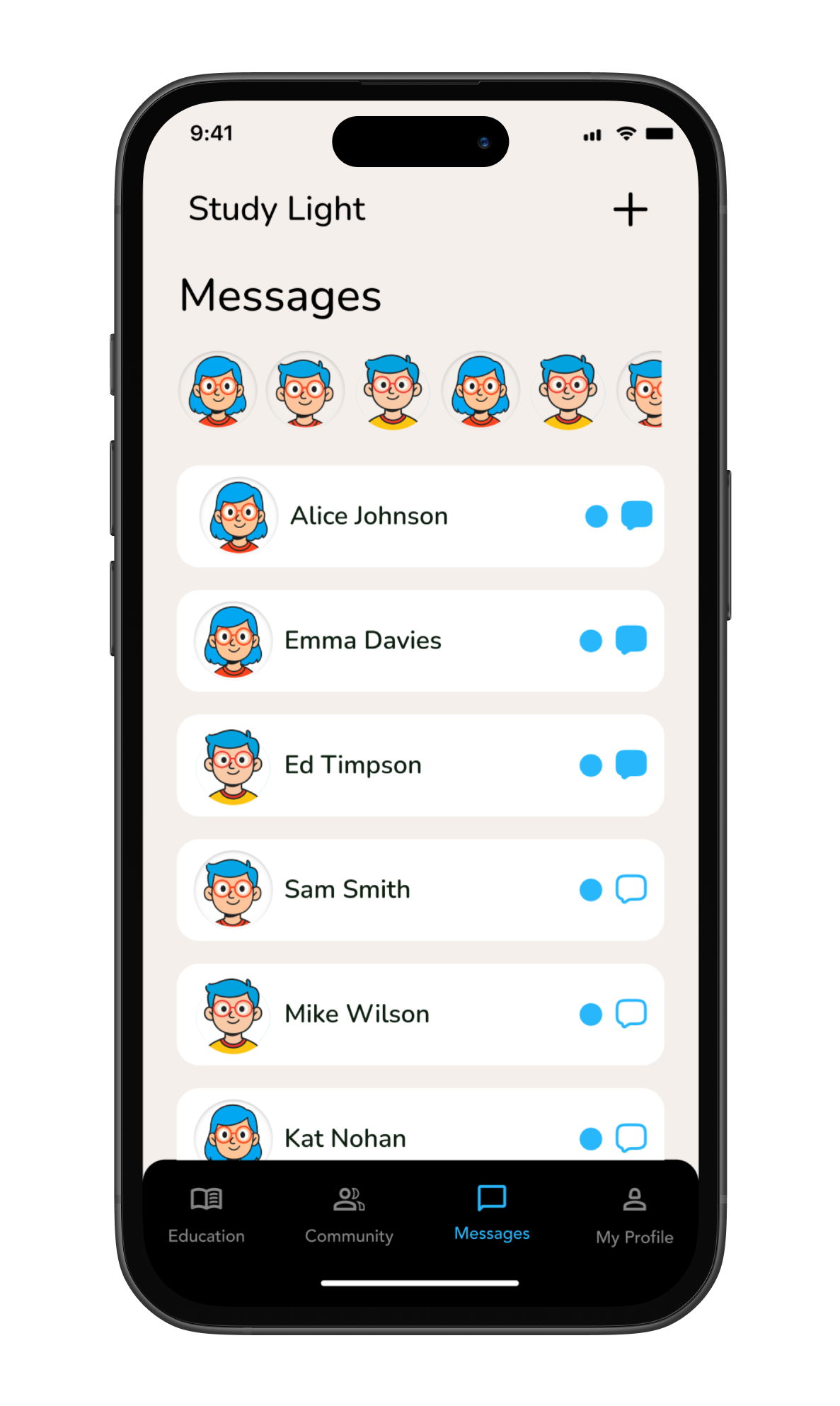
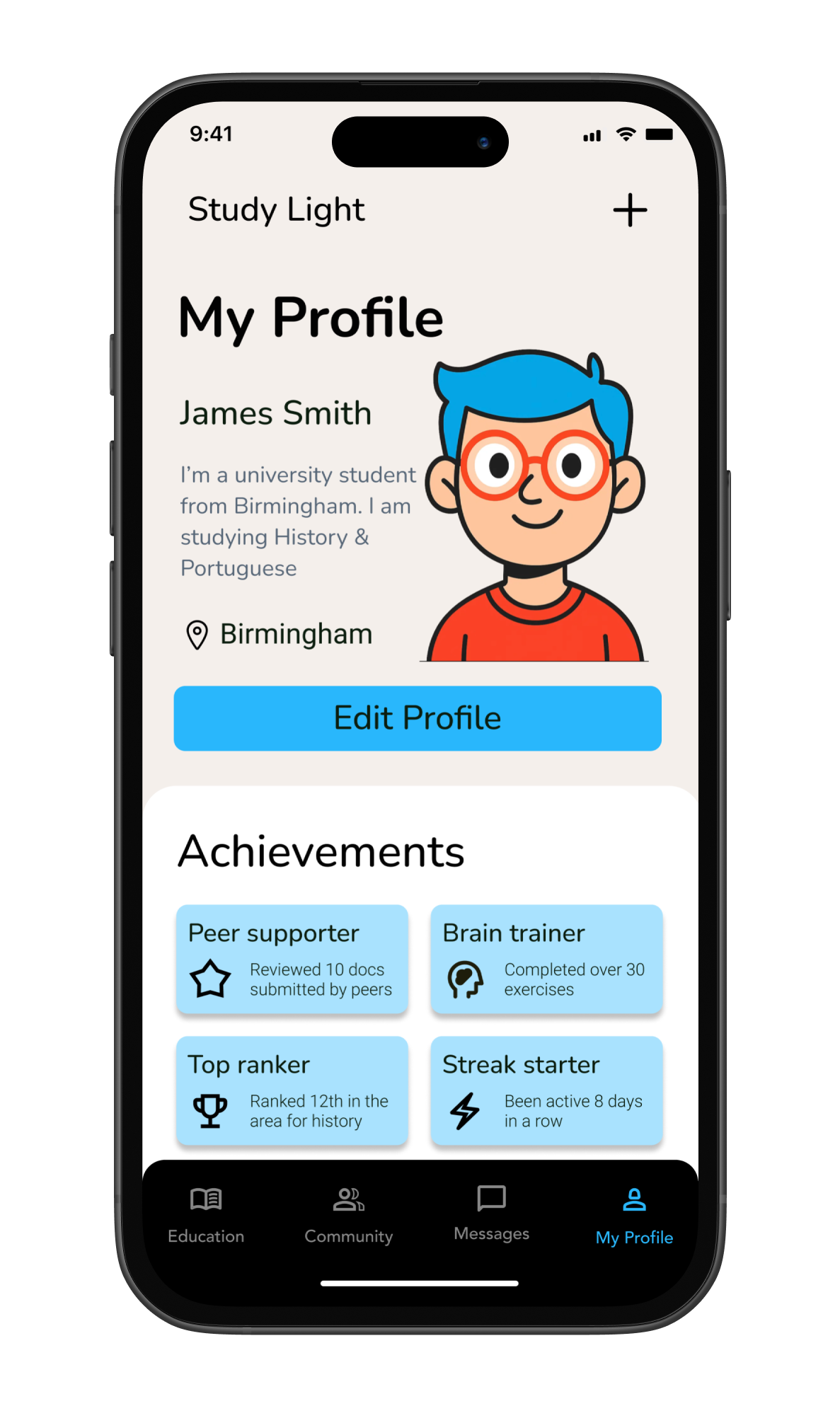
High-fidelity wireframes
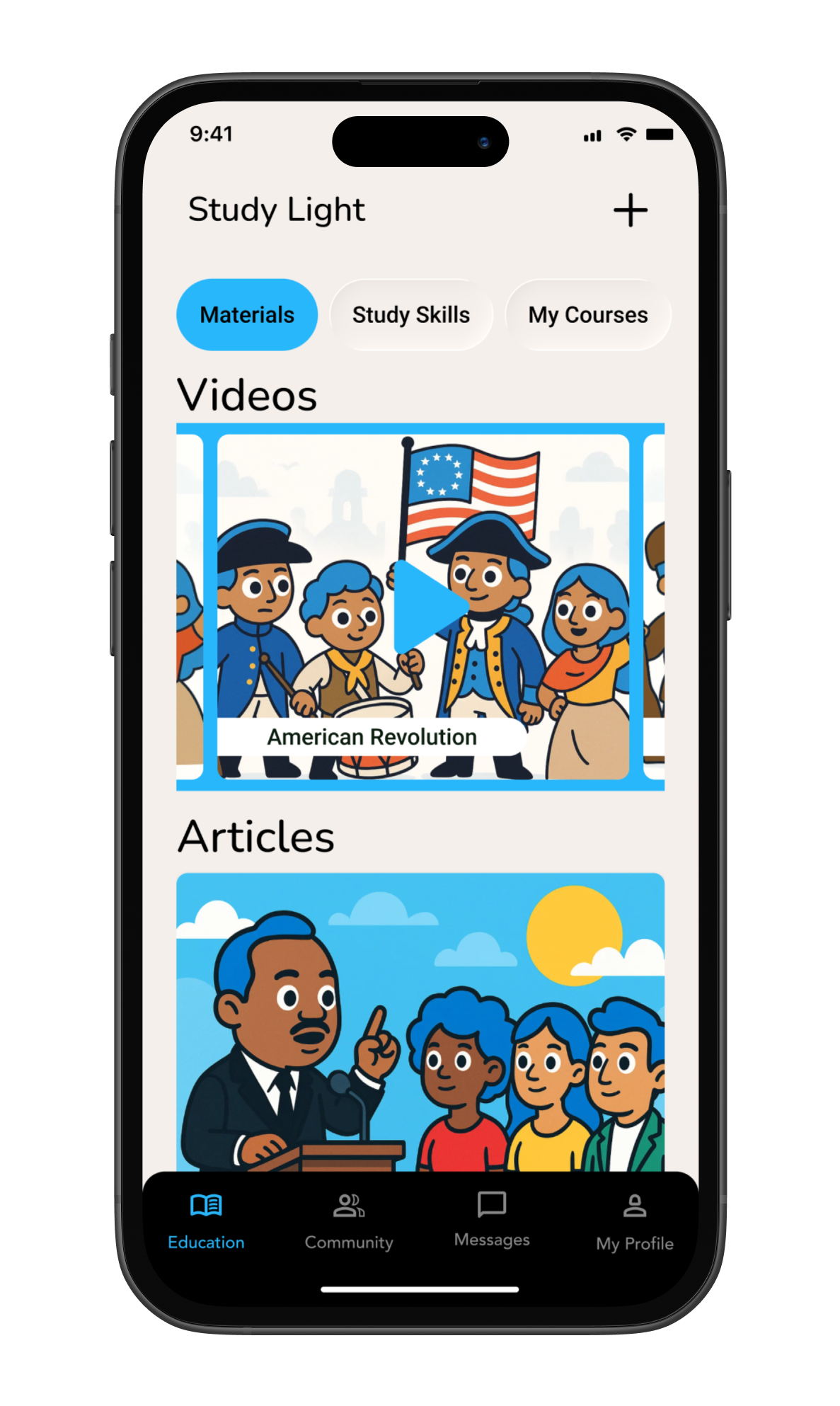
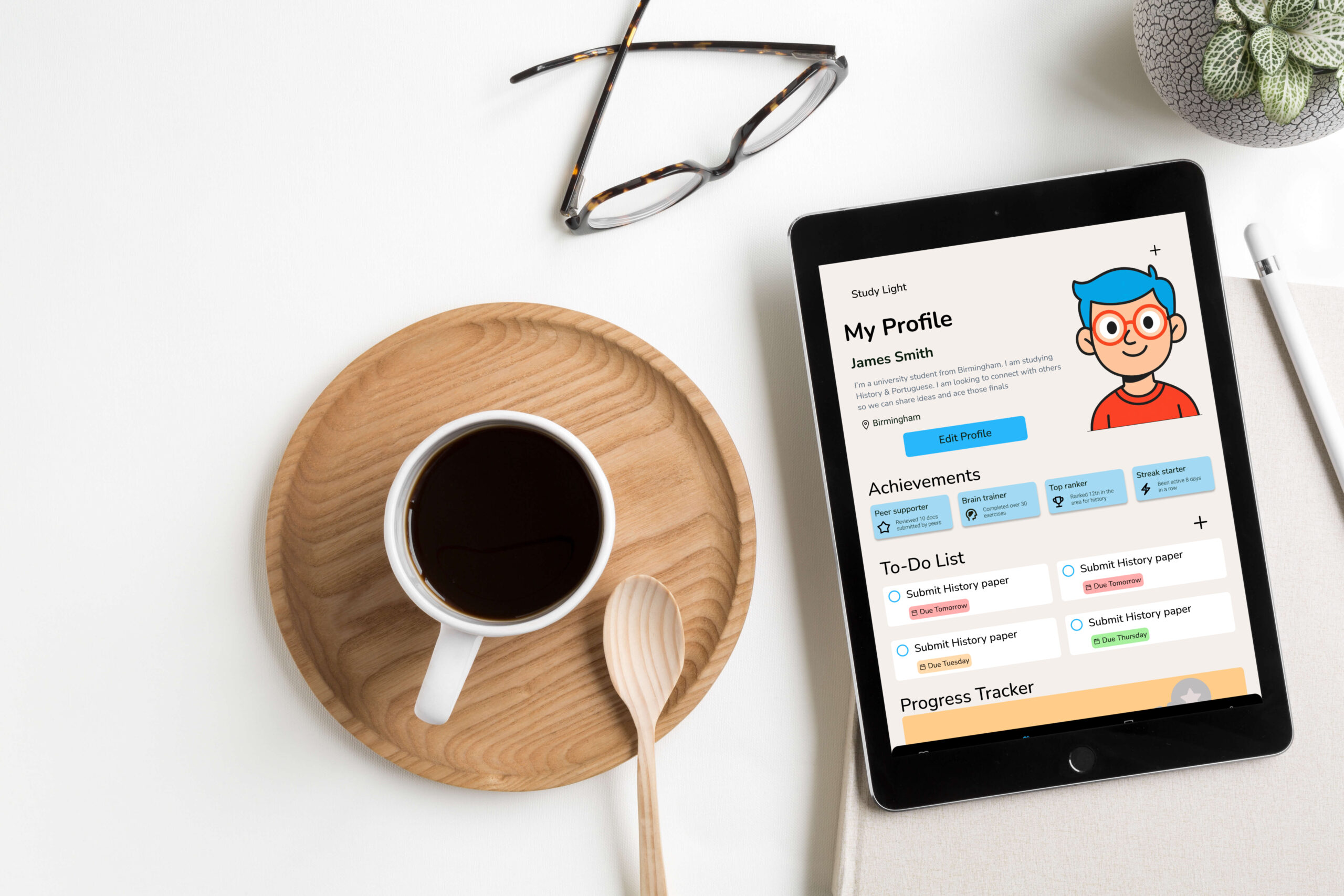
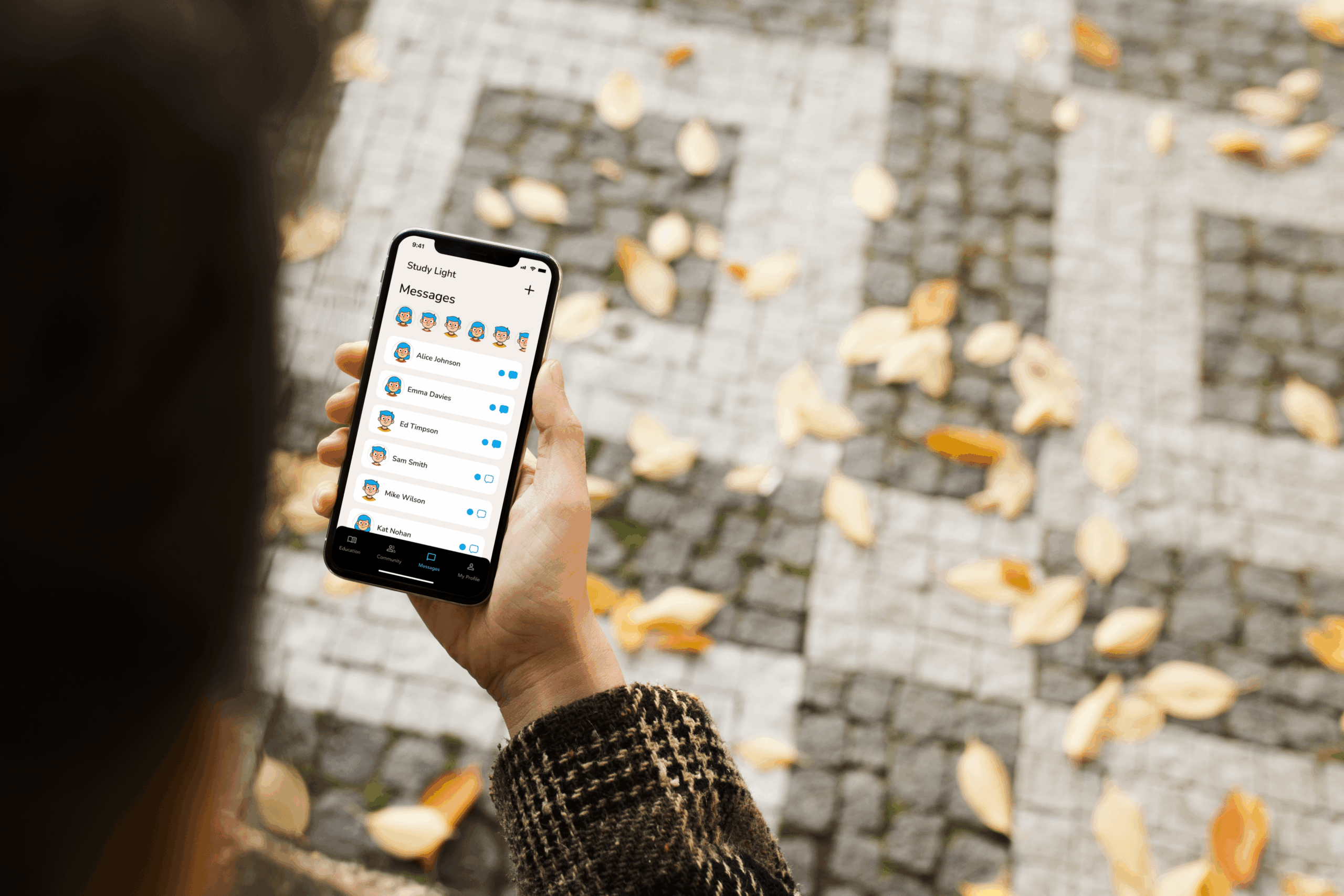
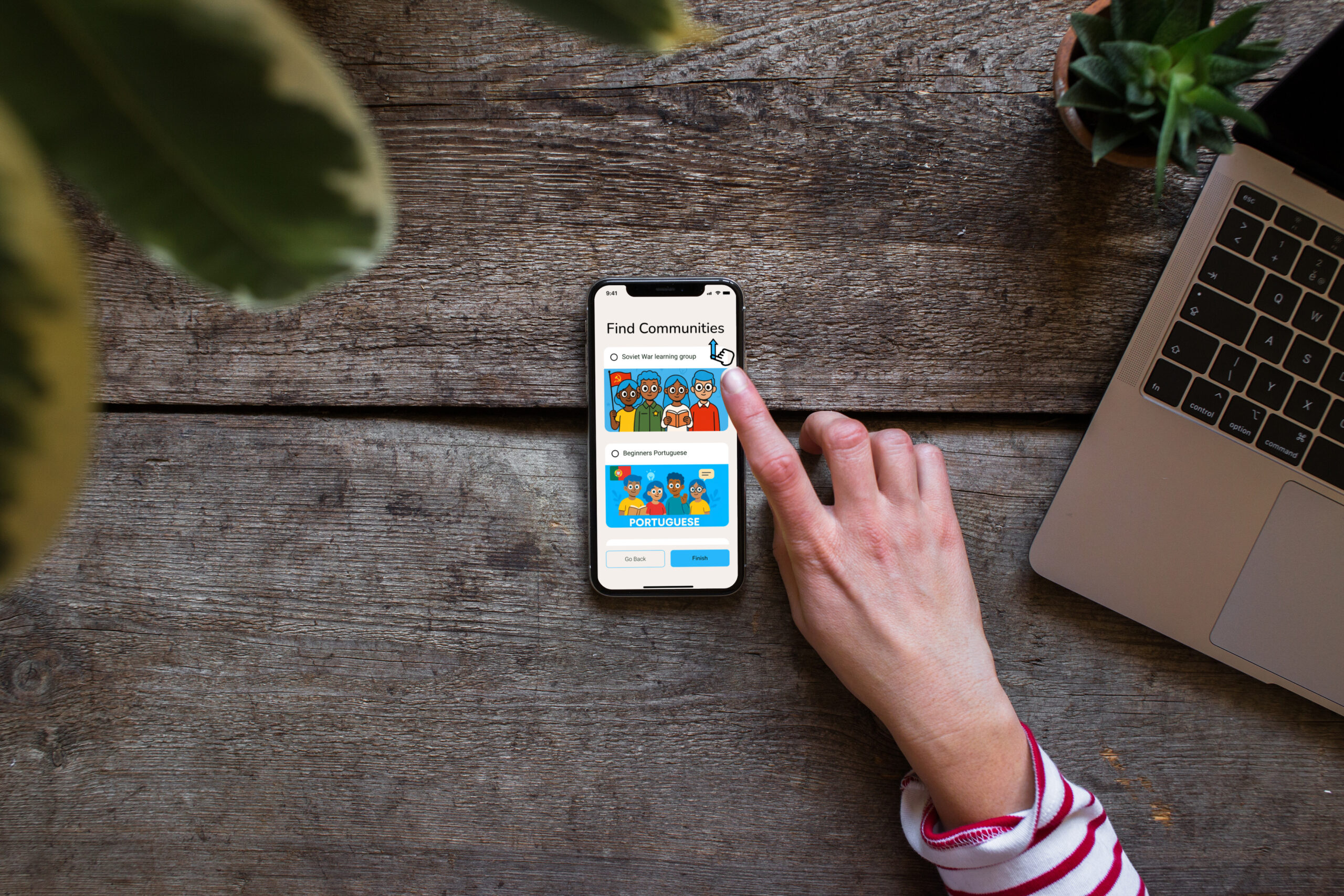
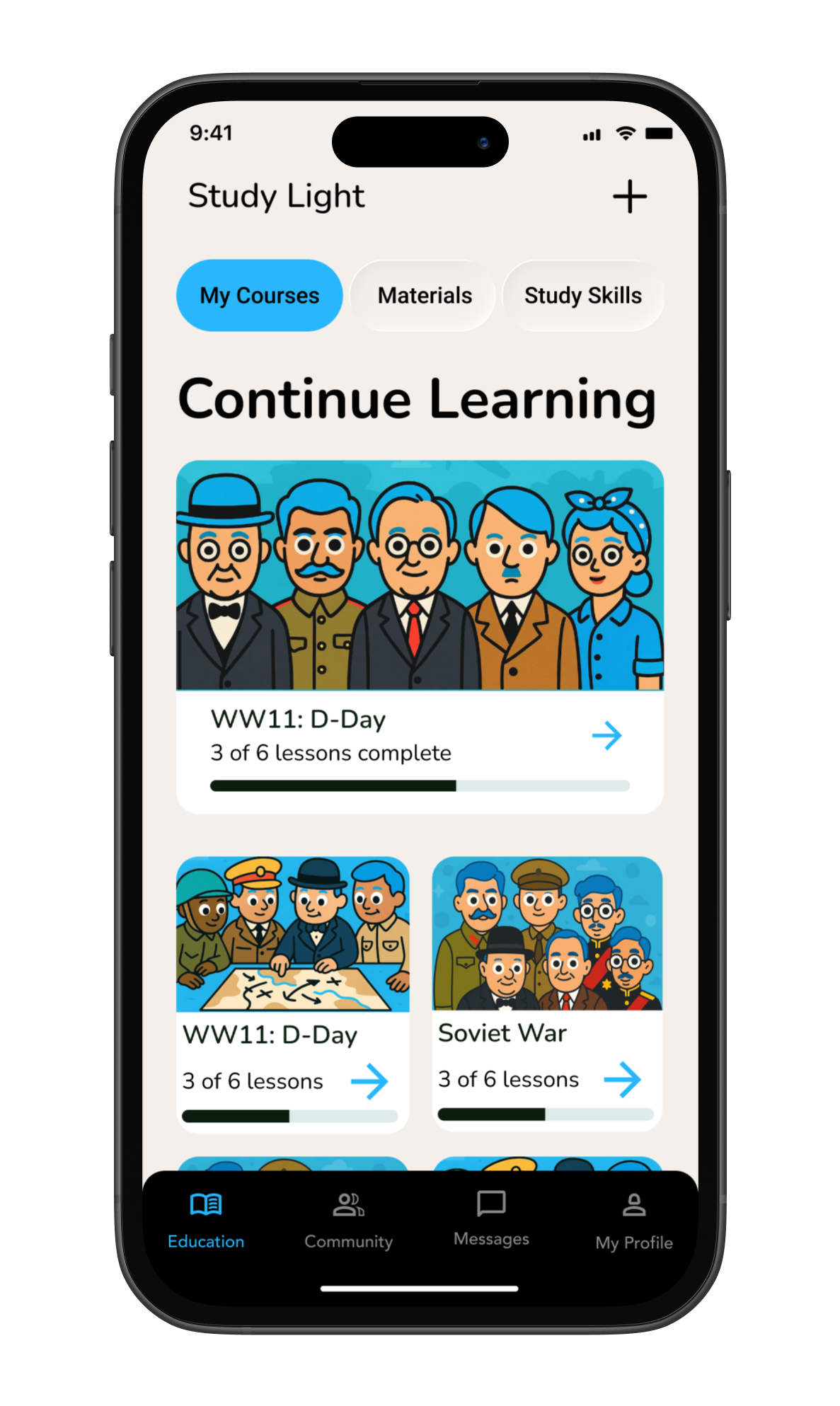
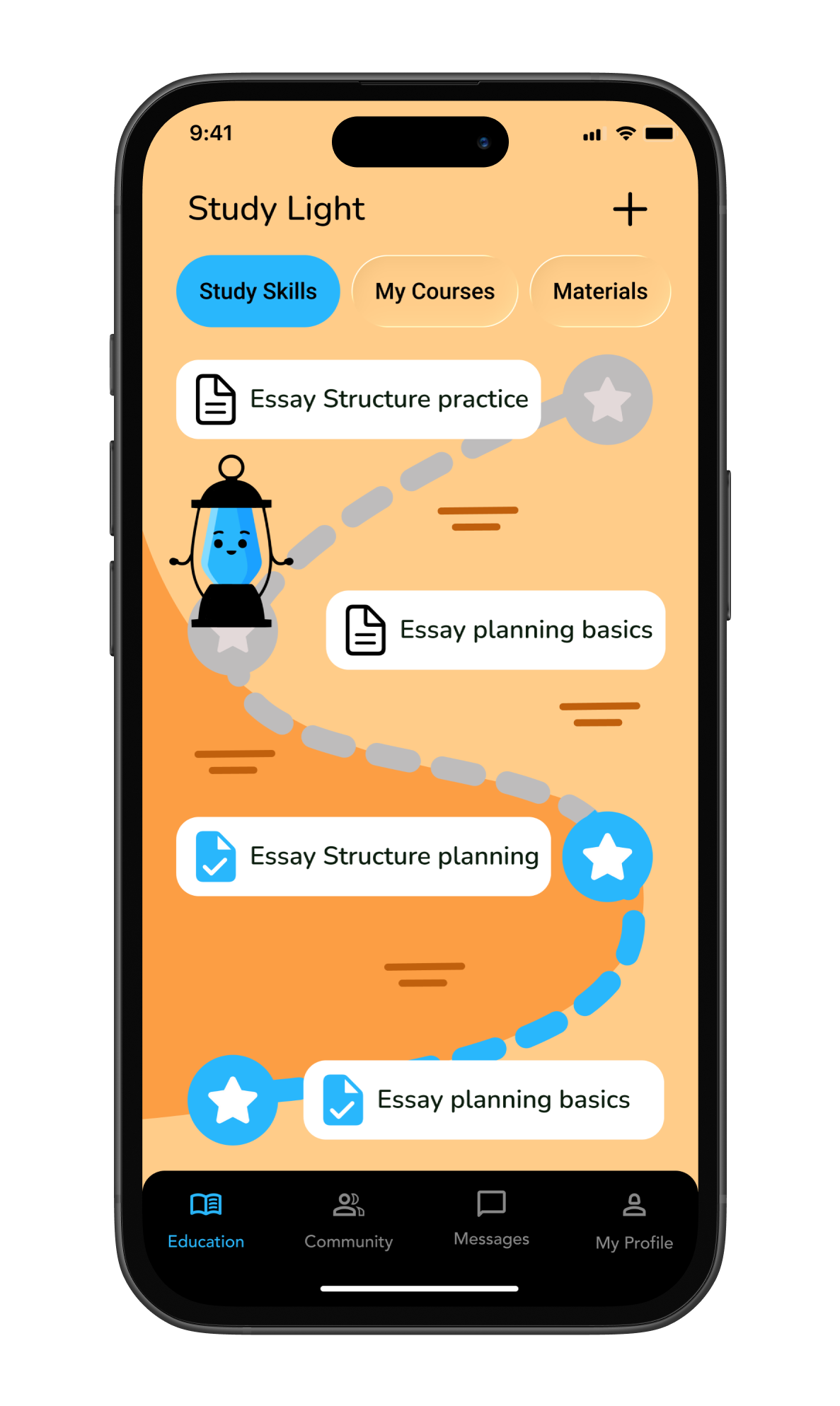
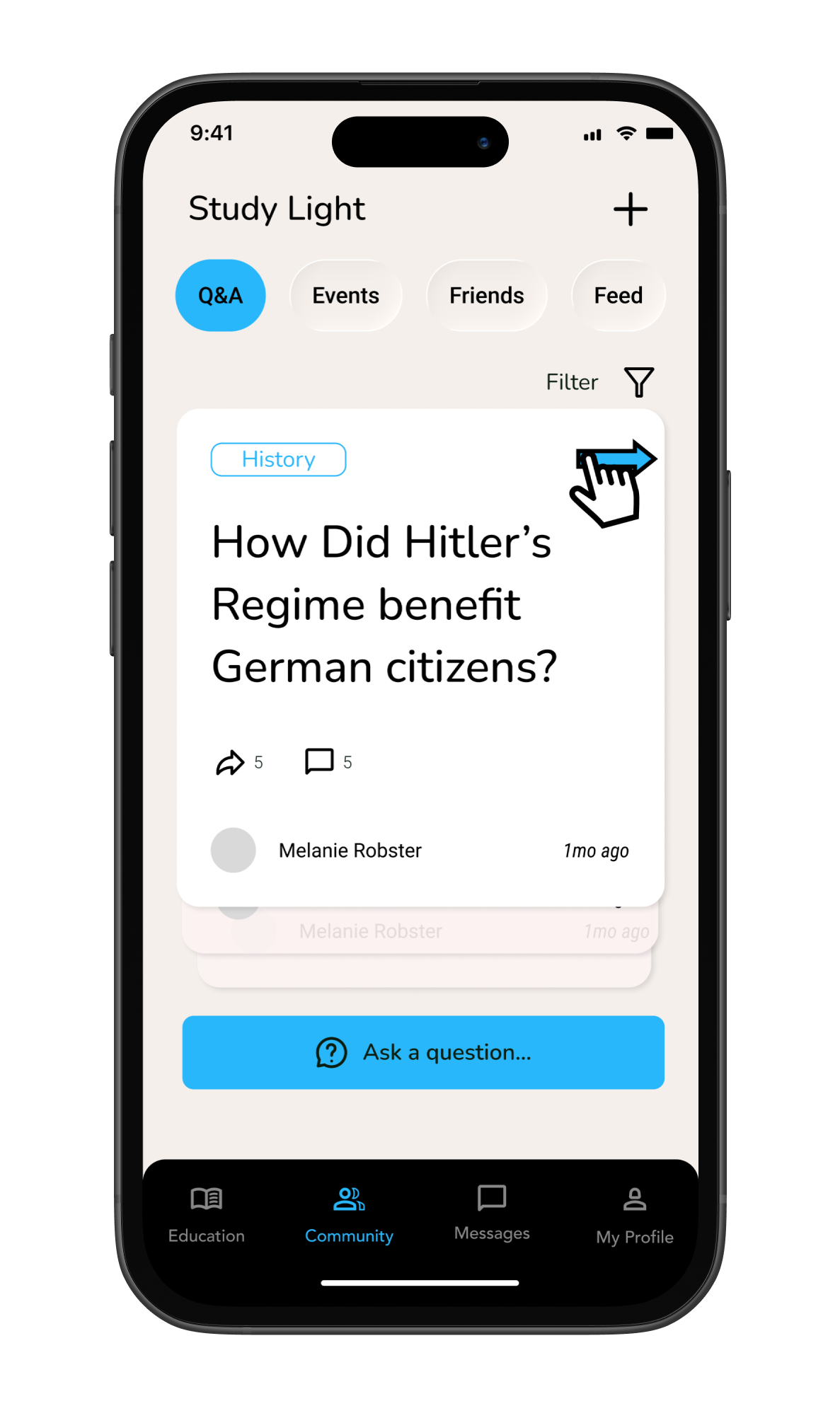
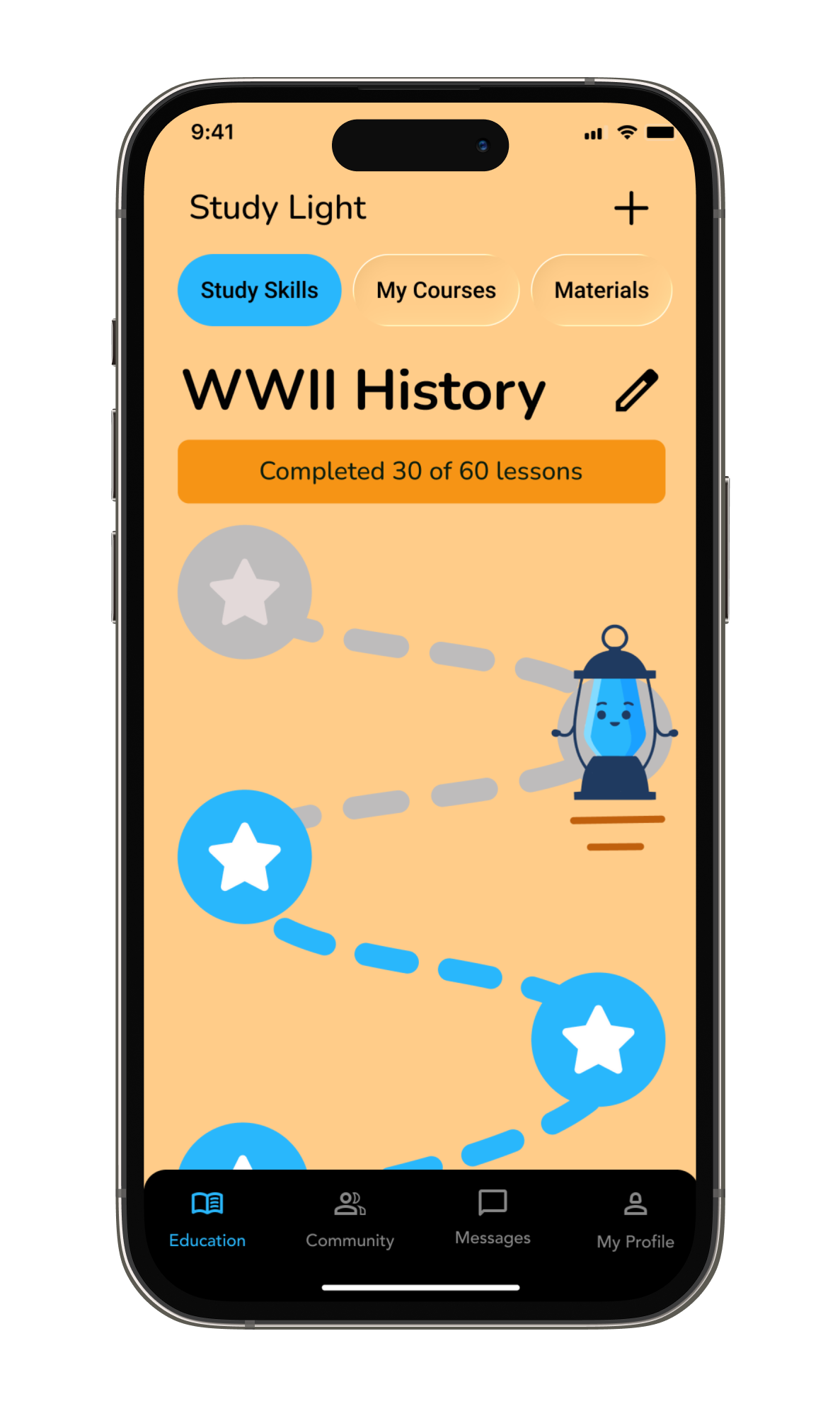
The final designs reflect a process of iteration, testing, and refinement, ensuring each decision was tied to user needs and the overall goal of creating an engaging, motivating study experience.
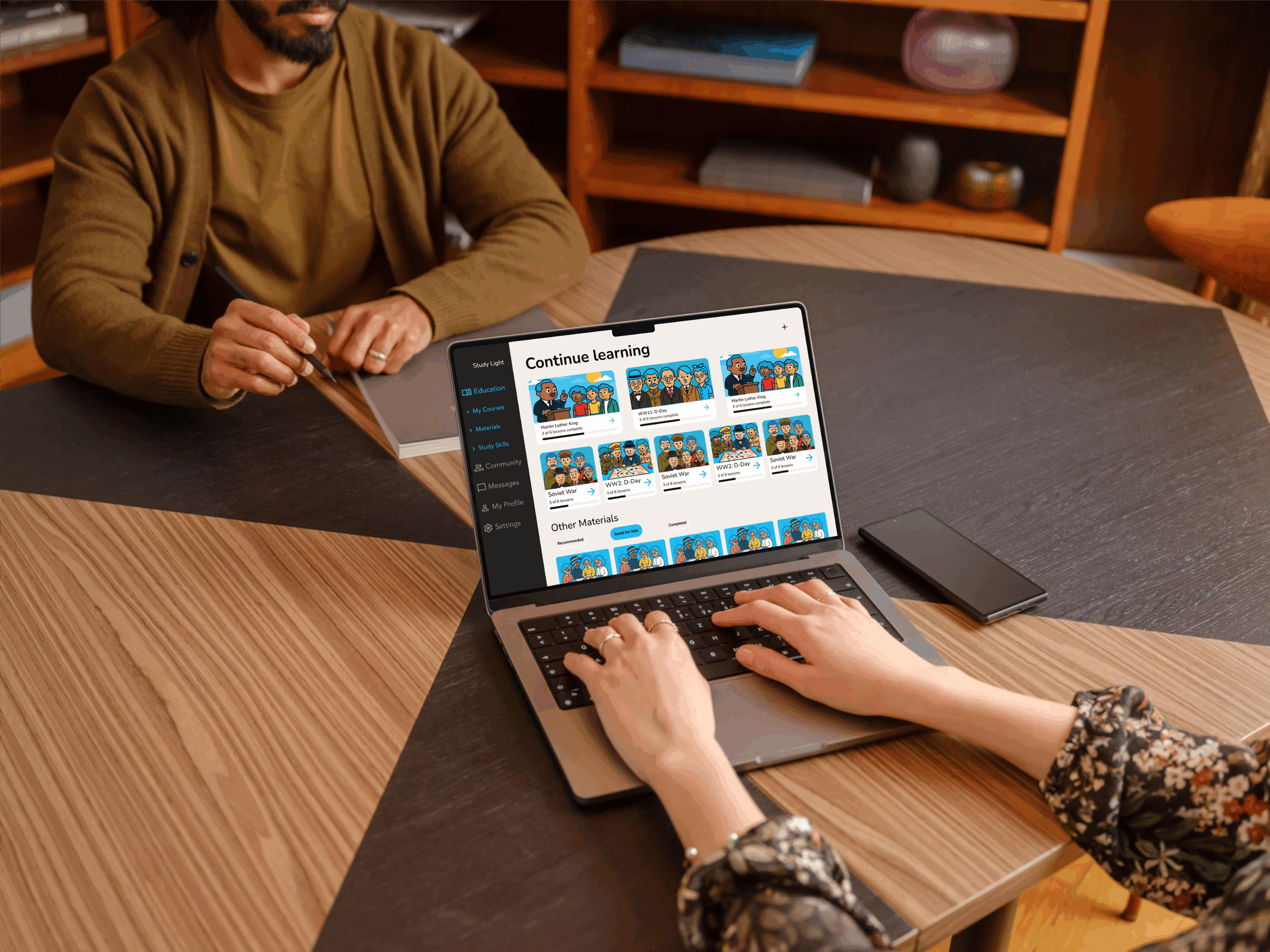
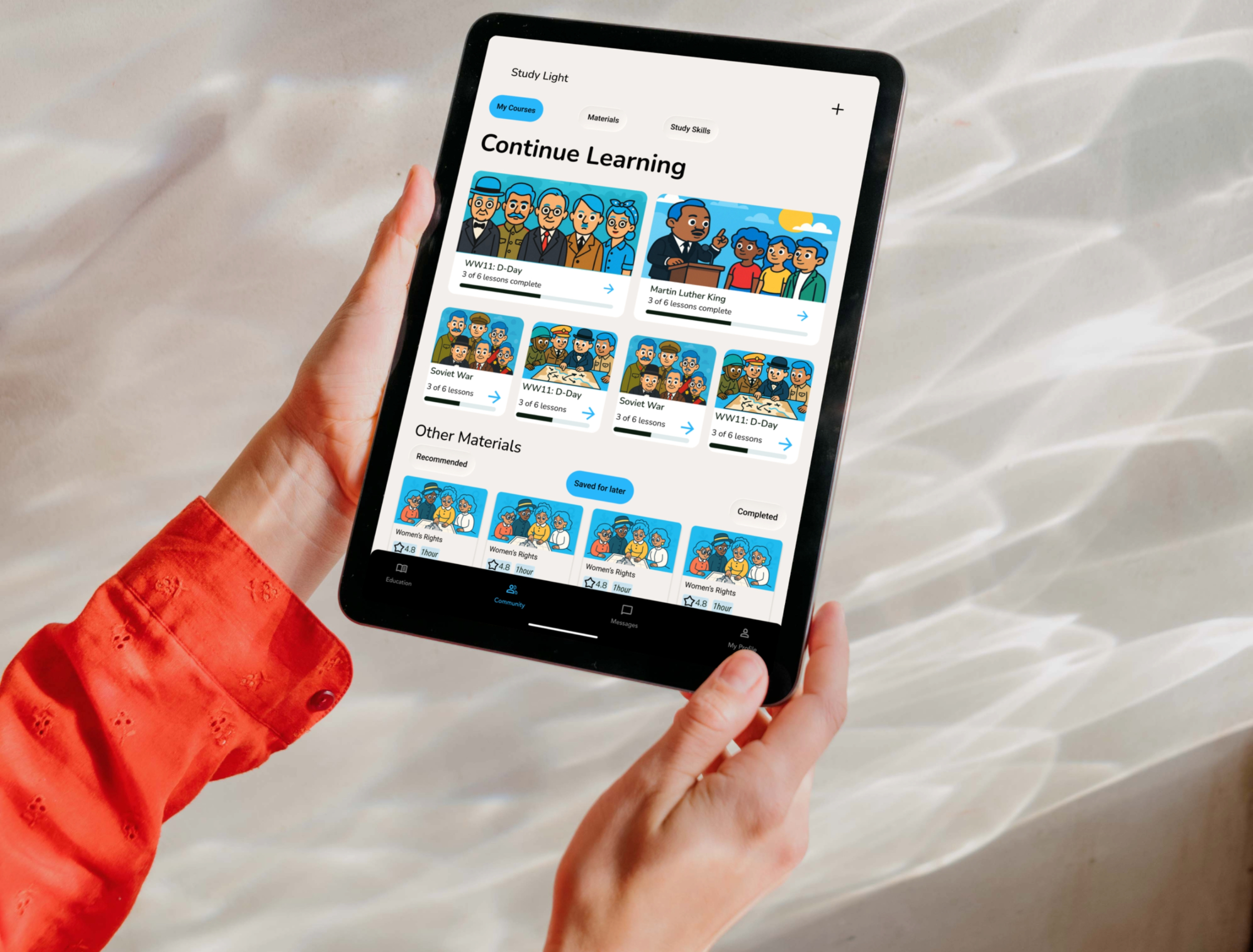
Educational resources
Reflection
Moving forward with design
The final designs reflect a process of iteration, testing, and refinement, ensuring each decision was tied to user needs and the overall goal of creating an engaging, motivating study experience.
Learnings
Designing Study Light taught me the importance of balancing functionality with stimulation. I learned how to integrate fun, gamified elements with serious study tools to encourage motivation. The project reinforced the value of thoughtful, user-centred UI design—how visual and interaction choices shape a modern, supportive, and inspiring study environment. Most importantly, I created an experience that feels connected, motivating, and adaptable to the busy lives of students
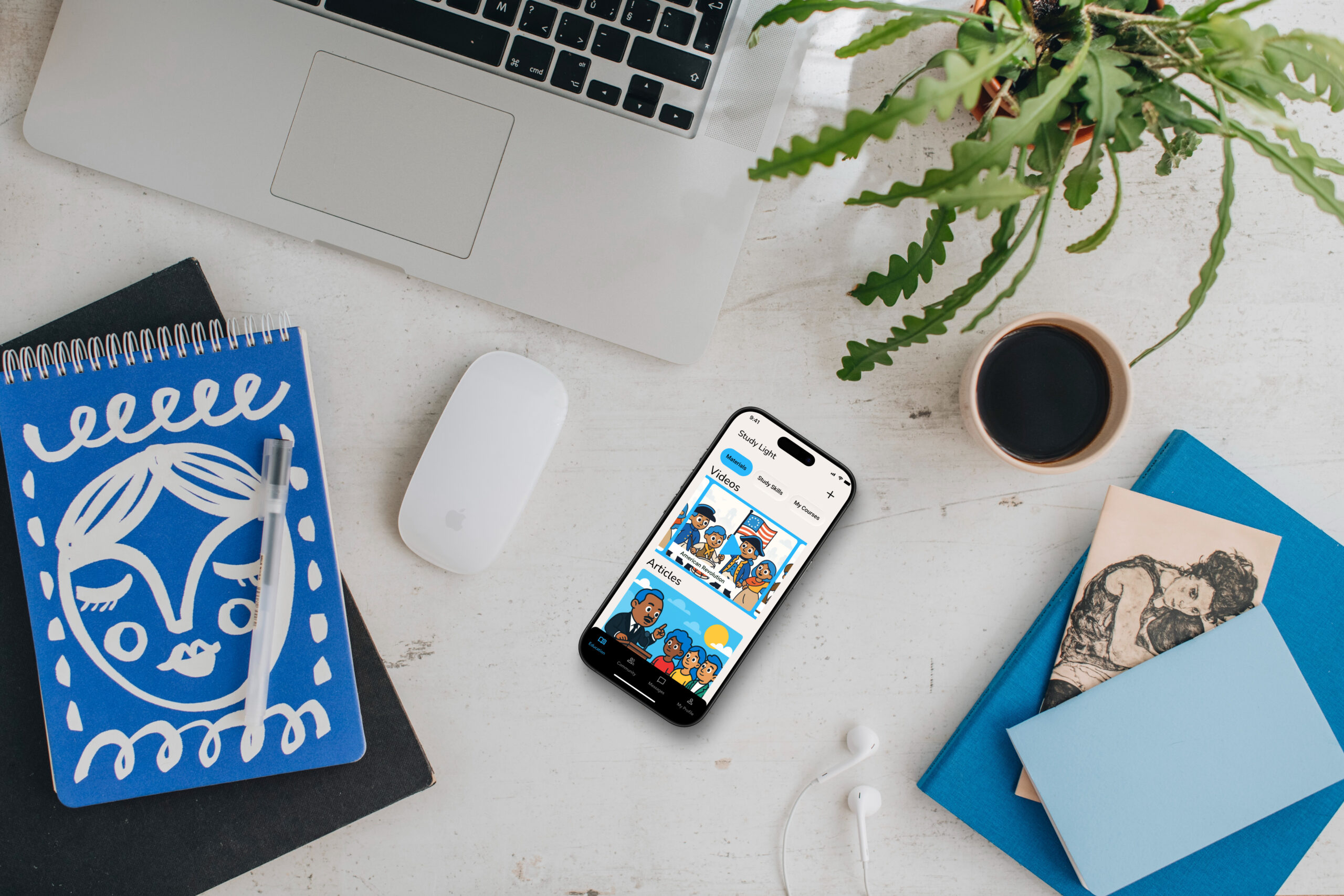
High-level plan for future iterations
In future iterations of Study Light, I plan to refine collaboration and engagement features. This includes testing deeper peer-matching, more personalised study reminders, and enhanced gamification to sustain motivation. I will also experiment with new visual approaches and gather user feedback to ensure each iteration better meets the evolving needs of students.
Thanks for watching!
If you are interested in my work, please get in touch:
Selected Works